If you mostly make animated titles, logo reveals, social videos, or 3D product shots, the right motion graphics software is the one that matches your work before it matches anyone else's reputation. After Effects is still the safest 2D default, Blender is the strongest free 3D option, Cinema 4D is built for professional 3D motion work, Cavalry is useful for repeatable 2D systems, and Apple Motion makes the most sense if you edit in Final Cut Pro.
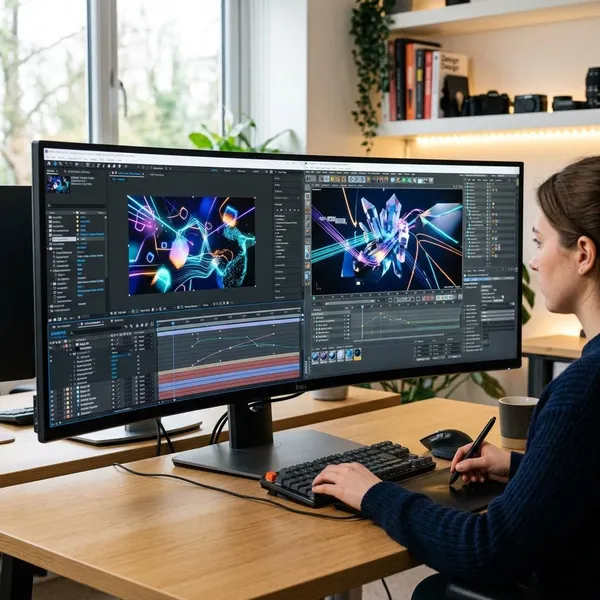
Motion graphics software to consider
Start by separating 2D motion design from 3D motion design. A YouTube creator making title cards needs a different tool from a freelancer building 3D product loops, and both need something different from a designer producing twenty branded social variations every week.
| Software | Best fit | Main caution |
|---|---|---|
| After Effects | 2D animation, compositing, text, logo reveals | Subscription cost and heavier projects can slow down weaker machines |
| Blender | Free 3D modeling, animation, rendering, and mixed 2D/3D work | More learning time if you only need simple titles |
| Cinema 4D | Professional 3D motion design and polished client visuals | Expensive unless 3D work is central to your projects |
| Cavalry | Procedural 2D animation, systems, versions, and repeated layouts | Not a full replacement for deep compositing or 3D production |
| Apple Motion | Final Cut Pro titles, templates, and Mac-based video graphics | Mac-only and less suitable for broad Adobe-style collaboration |
How to choose motion graphics software
The first filter should be your normal project, not the most advanced thing the app can do. If 80% of your work is titles and overlays, choose for speed in 2D. If your work depends on objects, materials, camera moves, and lighting, choose for 3D. Everything else comes after that.
Match your project type
Use your most common deliverable as the decision point. A creator making weekly YouTube graphics will usually be happier with After Effects or Apple Motion than with a full 3D workflow. A product designer who needs rotating objects, reflective materials, and studio-style lighting should look at Blender or Cinema 4D first.
| Your usual project | Software to test first |
|---|---|
| Animated titles, lower thirds, explainers | After Effects or Apple Motion |
| Free 3D scenes and renders | Blender |
| High-end 3D motion for client work | Cinema 4D |
| Many branded variations or procedural 2D systems | Cavalry |
| Final Cut Pro templates | Apple Motion |
Check the learning curve
The easiest app is not always the best choice, but the app you abandon after two weekends is not a good investment either. If you are new, test whether you can create a basic title, adjust easing, and export without constantly searching for every button.
After Effects has more beginner friction, but the amount of training material makes it easier to grow into. Blender asks for patience because 3D navigation, materials, lighting, and rendering are separate skills. Apple Motion can feel friendlier for editors who want usable graphics quickly rather than a full motion design career path.
Review hardware needs
Do not ignore your computer. Smooth previews matter because motion design is about timing, and timing is hard to judge when playback stutters every few seconds.
- Older laptop: favor lighter 2D work, smaller resolutions, or proxy-style workflows before committing.
- 3D-heavy projects: expect the GPU, memory, and render settings to matter more.
- Layered 2D comps: After Effects can benefit from more RAM and fast storage, especially with high-resolution assets.
Compare costs
Look beyond the first month. Subscriptions can be fine when the software earns money for you, but they are harder to justify for occasional projects. Blender is free, Apple Motion is a one-time purchase, and After Effects and Cinema 4D are ongoing costs.
Also watch for the extras that sneak into the budget: plugins, templates, training, render farms, cloud storage, or a hardware upgrade. The cheapest tool is the one that lets you finish your real work without constantly buying fixes around it.
Check app integrations
Your motion graphics app should fit the rest of your workflow. After Effects makes sense if your design files live in Adobe apps. Apple Motion makes sense if Final Cut Pro is where you edit and deliver. Cinema 4D and Blender matter most when 3D is a real production step, not just something you might try someday.
For collaboration, ask one practical question: can the people you work with open, revise, or use what you send them without friction? If not, even a technically better tool can slow the project down.
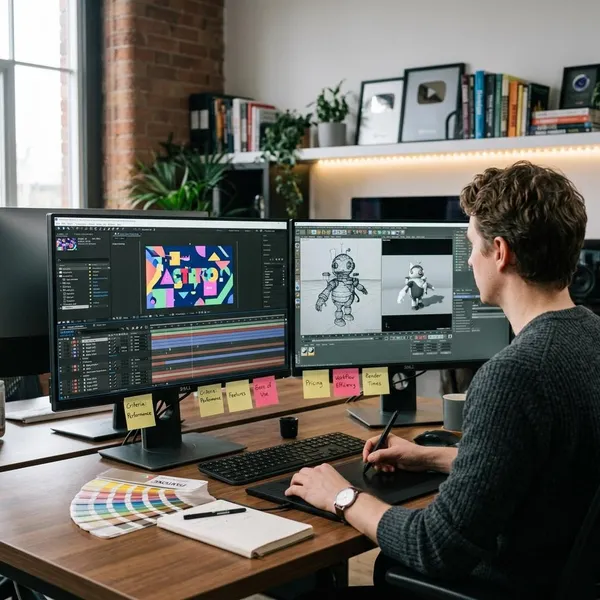
How to test your shortlist
Once you have two or three options, stop comparing feature pages and run the same small test in each app. Keep it boring on purpose: one title, one imported graphic, one preview check, and one export. That tells you more about daily use than a polished demo reel.
Animate a title
Create a 10 to 15 second title animation with position, scale, opacity, and easing. You are not testing whether you can make something beautiful; you are testing whether the timeline, keyframes, and timing controls make sense to you.
If this simple task already feels clumsy, be careful. A weekly content creator needs speed more than a giant feature list, while someone planning to learn motion design seriously may accept a slower first week for more room to grow.
Import your design files
Bring in the kind of files you actually use: a logo, PNG, SVG, layered design file, or Illustrator artwork. Check whether layers stay organized, transparency survives, colors look right, and the file is easy to animate after import.
- Adobe workflow: test Illustrator or Photoshop files in After Effects.
- Final Cut workflow: test how Motion templates behave back in the editor.
- 3D workflow: test whether reference images, textures, and model files are easy to manage.
Check playback speed
Preview the same short animation several times while changing timing and adding one light effect. You want to know whether the app gives you useful feedback quickly enough to make decisions.
A student on a modest laptop may get better results from a tool that previews smoothly than from a professional app that crawls. For paid client work, slow previews can also turn small revision requests into long, frustrating sessions.
Export a sample
Export a short MP4 or another format you commonly deliver. Open it on your computer and phone, then check whether the text is sharp, motion looks clean, colors hold up, and the file size is reasonable for where you plan to publish it.
- Use the same 10 to 15 second idea in every app.
- Use the same source assets each time.
- Limit each test to about 30 to 60 minutes.
- Write down what felt fast, confusing, or risky for real projects.
Conclusion
Choose the tool that makes your most common project easier, not the one with the longest feature list. After Effects is the safest 2D choice for many people, Blender is the best free 3D starting point, Cinema 4D is worth considering when 3D motion is serious work, Cavalry is strong for repeatable 2D systems, and Apple Motion is hard to beat for Final Cut Pro users who want fast editable graphics.