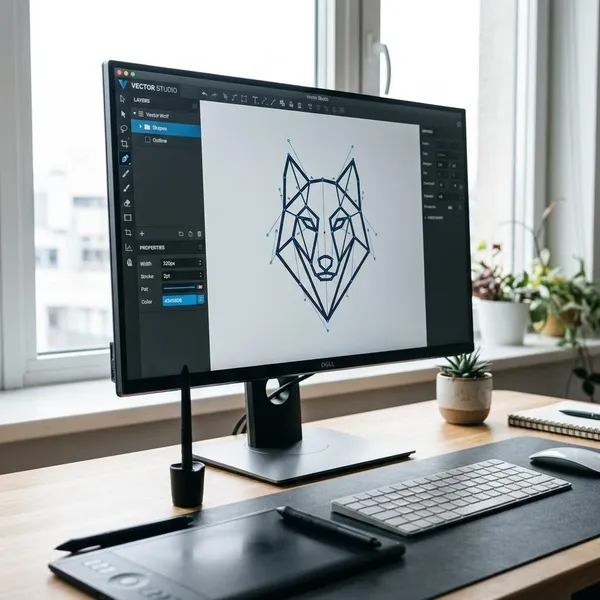
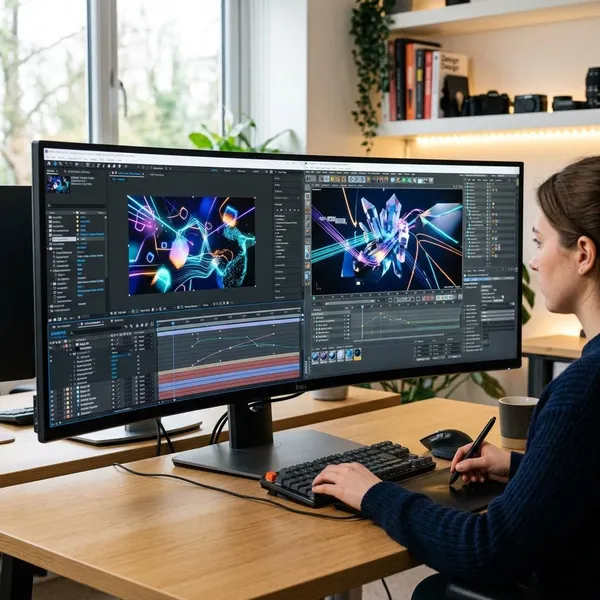
If you are choosing 27 inch 5k or 32 inch 6k for graphic design, do not treat 6K as the automatic upgrade. Both are extremely sharp; the better choice is usually decided by desk depth, scaling comfort, color quality, and how often you need extra room for panels, references, or large layouts.
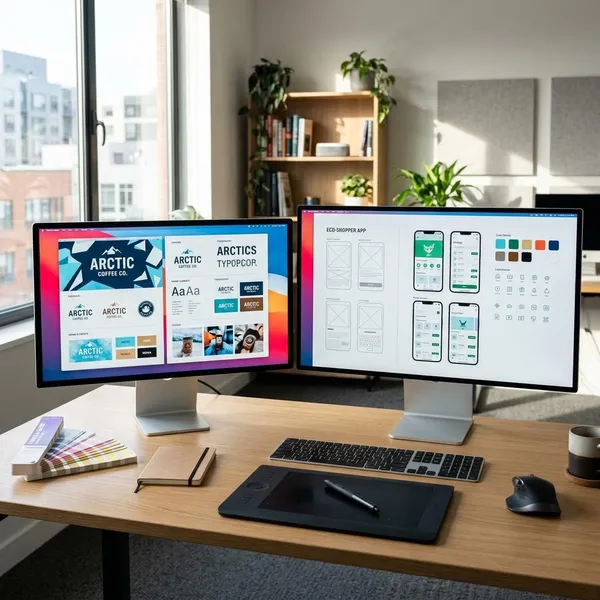
Which size suits your design work?
Start with your daily workflow, not the bigger number on the box. A 27-inch 5K display is usually the safer pick for a compact desk and focused design work. A 32-inch 6K display makes more sense when you often feel boxed in by tool panels, large canvases, timelines, or side-by-side reference material.
27-inch 5K for a compact setup
A 27-inch 5K monitor is the most balanced choice if you sit fairly close to the screen, use one main app at a time, or have a normal home-office desk. Text, icons, vector edges, and type details look crisp, while the screen is still easy to scan without moving your head much.
This is a strong option for UI design, branding, photo editing, and page layout where clarity matters but you do not need a huge physical canvas all day. It can also leave more budget for the things designers often regret ignoring: calibration, a good monitor arm, or better room lighting.
32-inch 6K for more canvas space
A 32-inch 6K monitor is less about "sharper than 5K" and more about keeping high sharpness across a bigger surface. If you regularly work with an InDesign spread, Photoshop panels, a browser reference, and client notes open at the same time, the extra space can reduce window shuffling.
- Choose it for large layouts: packaging, posters, spreads, retouching, motion timelines, and multi-window work benefit most.
- Be cautious on shallow desks: if the screen sits too close, the size can feel tiring rather than luxurious.
- Expect a higher total cost: the monitor, cable requirements, and mounting setup may all cost more.
27-inch 5K vs 32-inch 6K
The practical comparison is not "5K versus 6K" in isolation. It is whether you want a compact high-density workspace or a larger high-density workspace. For most designers, the first thing to check is whether your current frustration is lack of sharpness, lack of room, or an uncomfortable setup.
Pixel density and sharpness
A 27-inch 5K display is usually around 218 PPI, and many 32-inch 6K displays sit in roughly the same high-density range. In normal design use, that means both can look beautifully sharp. The 32-inch 6K option does not usually give a dramatic visible jump in crispness; it gives you more screen area while keeping a similar refined look.
Scaling and usable workspace
Scaling decides how useful those pixels feel. On a 27-inch 5K monitor, macOS-style scaling often feels especially natural: interface text stays clean, and the working area feels comfortable. A 32-inch 6K display can preserve that crispness while making palettes, previews, and reference windows easier to keep visible.
| Work pattern | Better fit | Why it matters |
|---|---|---|
| One main canvas, close viewing distance | 27-inch 5K | Sharp, focused, and easier to scan on a smaller desk |
| Multiple apps and panels open all day | 32-inch 6K | More visible workspace without dropping into coarse pixel density |
| Student, freelancer, or first premium monitor | 27-inch 5K | Often leaves budget for calibration and ergonomics |
| Large print, video, or detailed retouching workflow | 32-inch 6K | Large files feel less cramped when viewed with tools open |
Desk fit and viewing comfort
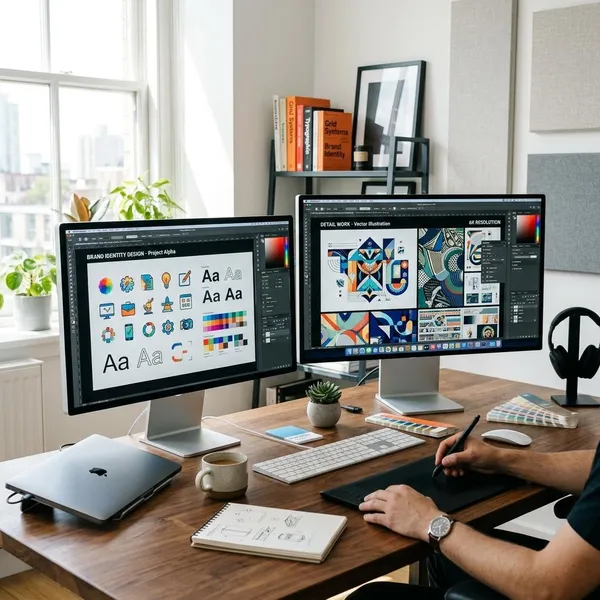
Measure your desk before falling in love with a 32-inch panel. If you cannot sit back far enough to see the whole screen comfortably, a larger monitor may cause more eye and neck movement than you expect. A well-positioned 27-inch 5K display can feel better after eight hours than a 32-inch 6K display pushed too close.
What to check beyond resolution
Once you are comparing 5K and 6K monitors, resolution is only one part of the decision. For design work, color accuracy, uniformity, calibration, glare control, and computer support can matter more than the size difference. A cheaper high-resolution screen with weak color behavior can be the wrong buy even if the pixel count looks impressive.
Color accuracy and gamut
Prioritize color accuracy before chasing extra inches. For serious design work, look for reliable factory calibration and, where available, a stated Delta E around 2 or lower. That does not guarantee perfection in every unit, but it is a useful sign that the display is built with color-sensitive work in mind.
Match the color gamut to your output. sRGB is still essential for web and general digital work, Display P3 fits many Apple-centered and modern media workflows, and Adobe RGB matters more for some print and photography pipelines. If your work is mostly logos for websites, paying more only for wide-gamut print coverage may not help as much as better uniformity or calibration.
Screen uniformity
Uniformity is the quiet spec that becomes obvious only after you start working. If one side of the screen is warmer, darker, or brighter, you may make bad editing decisions without realizing the panel is influencing you.
This is especially important on 32-inch displays because the larger surface makes uneven brightness easier to notice. For posters, product images, large gradients, and clean backgrounds, check reviews for uniformity testing rather than relying only on the manufacturer's color-gamut claims.
Calibration support
Calibration support matters most if your files go to print, brand review, product photography, or client approval. A monitor can look good out of the box and still drift over time, so the question is not only how accurate it is on day one, but how easily you can keep it predictable.
- Hardware calibration: useful for demanding work because corrections can be stored in the display.
- Software calibration: acceptable for many home and freelance setups, but more dependent on the computer profile.
- Preset switching: helpful if you move between sRGB, Display P3, or print-oriented work.
Glare and screen finish
A glossy screen can look crisp and vivid in a controlled room, but reflections can become frustrating if your desk faces a window or overhead lights. A matte finish is usually more forgiving for mixed lighting, even if the image looks slightly less glassy.
Think about your actual room: daytime work near a window favors glare control, while a darker studio can make a glossy panel easier to enjoy. This choice affects comfort more than many spec sheets admit.
Computer and cable support
Check compatibility before buying, especially for 6K. A USB-C-shaped port does not automatically mean the computer can drive a 6K monitor at full resolution and refresh rate. You may need Thunderbolt, DisplayPort 1.4 with DSC, or another supported high-bandwidth connection depending on the monitor and computer.
- Find the exact port version on your laptop or desktop, not just the connector type.
- Confirm maximum external display support for the resolution and refresh rate you plan to use.
- Check the included cable because some cables charge but do not carry enough display bandwidth.
- Look up scaling reports for your main apps if you use Windows, older software, or a mixed Mac/PC setup.
Conclusion
Choose 27-inch 5K if you want a crisp, comfortable, lower-risk setup for a normal desk; choose 32-inch 6K if your work genuinely benefits from a larger canvas and you have the space, computer support, and budget to run it properly. The better monitor is the one that improves your daily workflow without creating new problems in viewing comfort, color trust, or connectivity.