You can create an email newsletter by choosing one clear purpose, collecting subscribers with permission, sending one useful message at a time, and improving from the results. The biggest mistake is trying to build a perfect newsletter before you know what readers actually want, so start simple and make each send easy to understand.
Plan Your Email Newsletter
A good newsletter starts before you open an email template. The first decisions are not about colors or buttons; they are about who the email is for, why it should exist, and what readers should do after opening it.
Define one main goal
Start with the result you care about most right now. That may be sending readers to a blog post, getting replies, promoting an event, selling a product, or keeping members updated.
Do not give one email five jobs. If the goal is traffic, feature the strongest link early. If the goal is sales, make the offer clear and remove distractions. A focused goal makes the email easier to write and easier to measure later.
Choose your target audience
Be specific about the person you are writing to. "People interested in fitness" is too broad; "busy beginners who want short home workouts" gives you a clearer tone, topic, and promise.
A newsletter for existing customers can be more direct and practical because they already know you. A newsletter for cold new subscribers needs more context and trust-building before asking for a bigger action.
Set a clear content promise
Your content promise tells people what they are signing up for. A useful promise sounds like "one practical meal-planning idea every Friday" or "monthly updates and funding deadlines for local nonprofits," not just "news and updates."
Pick a realistic schedule
Choose a schedule you can maintain on an ordinary week, not just when you feel motivated. For many beginners, monthly is safer than weekly because it gives you time to create something worth sending.
- Monthly: good for personal blogs, community updates, and slower-moving topics.
- Weekly: useful when you have steady tips, offers, lessons, or new content.
- Irregular: acceptable for occasional announcements, but harder for readers to remember.
Choose one primary action
Give each newsletter one main next step. That might be "Read the full post," "Register for the workshop," "Reply with your question," or "View the new collection."
You can include secondary links when needed, but make the main action visually and verbally obvious. If readers have to choose between six equal-looking buttons, many will choose none.
Build Your Subscriber List
Your list is more valuable when people asked to be there. A small permission-based list usually beats a large list of people who do not recognize you, do not open your emails, or mark them as spam.
Create a signup form
Keep the form short. An email address is often enough at the beginning; add a name field only if you will actually use it. Asking for a phone number, company size, job title, and preferences too early can reduce signups.
Test the form on your phone before publishing it. If the fields are hard to tap or the confirmation message is unclear, fix that before worrying about advanced design.
Write a clear signup promise
The copy beside the form should answer two questions quickly: what will I receive, and how often will I receive it?
For example, "Get one short writing tip every Tuesday" is more convincing than "Join our mailing list." It gives the reader a reason to subscribe and sets an expectation you can be judged against.
Add the form to key pages
Place the form where interested visitors already are: your homepage, popular blog posts, footer, about page, checkout thank-you page, or event landing page. A form hidden on a separate "subscribe" page will usually grow slowly.
Offer a useful signup incentive
A signup incentive can help, but only if it attracts the same kind of person who will enjoy the newsletter afterward. A template, checklist, short course, discount, or resource library can work well when it is directly tied to your regular emails.
Record consent for every subscriber
Use an email marketing platform that stores when, where, and how someone subscribed. This record helps with compliance, but it also helps you understand which forms bring in good subscribers.
Never buy an email list
Do not buy an email list. Purchased contacts usually did not agree to hear from you, and that can lead to spam complaints, poor engagement, and damaged deliverability.
Create Your First Newsletter
Your first send does not need a complicated layout. Aim for one clear idea, a short opening, useful main content, and one action that fits the goal you chose earlier.
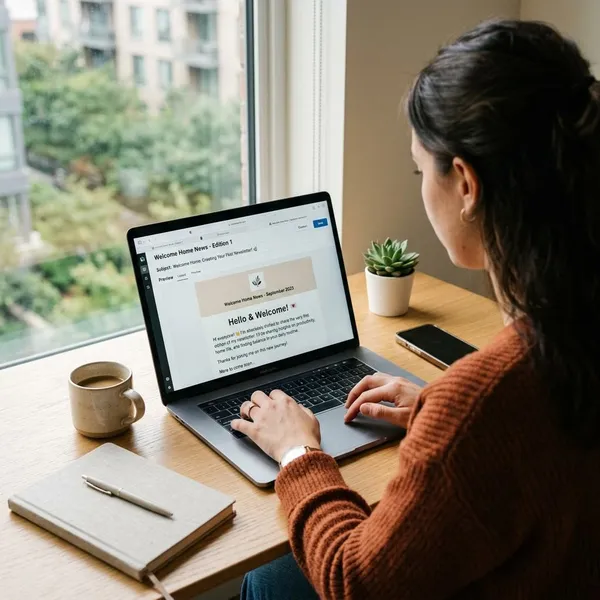
Write the subject line and preheader
The subject line should make the topic clear without tricking the reader. Specific usually beats clever: "3 easy dinners for busy weeknights" gives more useful information than "You'll love this."
Use the preheader to add context, not repeat the subject line. If the subject is "A simpler way to plan your week," the preheader might be "A 10-minute routine you can use on Sunday evening."
Add a short opening
Open with one or two sentences that orient the reader. Skip long background and get to the reason the email is worth their time.
Organize the main content
Put the most important item first. Many readers will skim, especially on mobile, so do not bury the main link, offer, or announcement halfway down the email.
- Lead with the main idea. Make the value obvious in the first screen.
- Use short sections. Break up text before it feels like a wall.
- Keep links purposeful. Every link should support the email's goal.
- End with the next step. Make the action easy to take.
Use a mobile-friendly layout
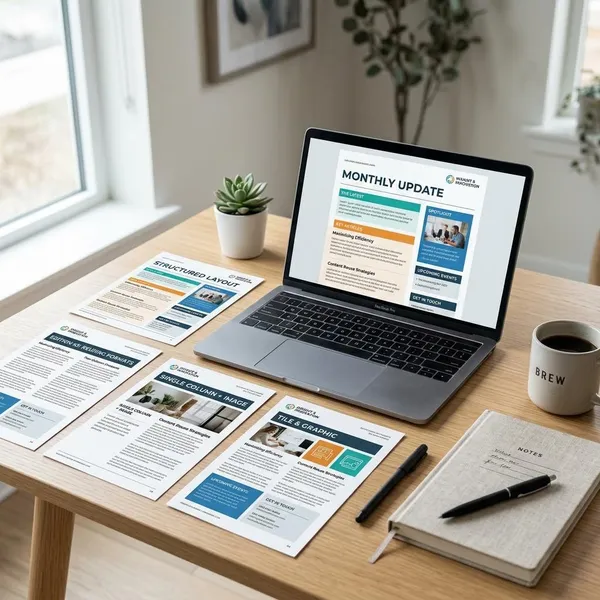
Choose a simple responsive template, use readable text, and make buttons easy to tap. Large image blocks, tiny fonts, and multi-column layouts can look fine on desktop but become annoying on a phone.
Before sending, open a test email on your own phone. Check whether the first screen shows something useful, whether links are easy to tap, and whether the email still makes sense with images blocked.
Add one clear call to action
Your call to action should tell readers exactly what happens next. "Download the checklist" is clearer than "Learn more," and "Book your spot" is stronger than "Click here."
If you need more than one link, decide which one is primary. The main CTA should stand out, while supporting links should feel secondary.
Include contact and unsubscribe links
Include a visible unsubscribe link and a way for people to contact you. Email platforms usually require this, and depending on where you and your subscribers are located, it may also be part of email compliance rules.
Measure and Improve Each Send
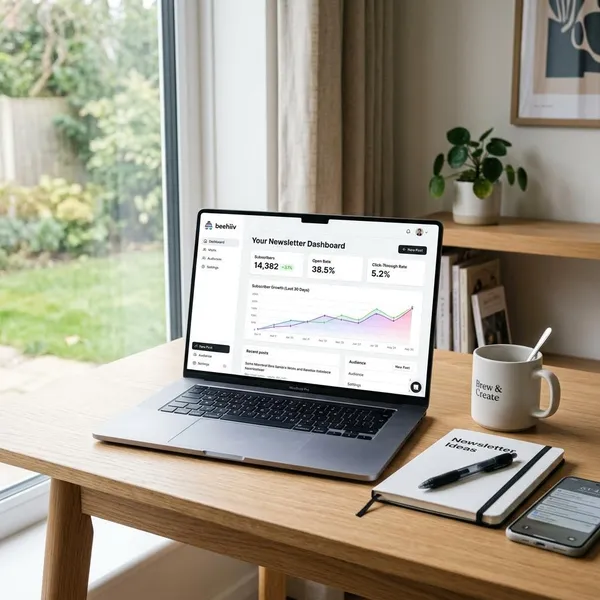
After sending, look at the numbers that match your goal. Do not treat every metric as equally important. If the goal was to sell tickets, registrations matter more than open rate; if the goal was to get readers back to your blog, clicks matter more.
Monitor delivery and bounces
Check whether emails are being delivered and whether addresses are bouncing. Hard bounces should usually be removed because they often point to invalid addresses. Soft bounces may be temporary, but repeated soft bounces are worth watching.
If bounces rise after adding a new signup source, investigate that source first. The issue may be fake signups, a confusing form, or old addresses imported without enough care.
Track clicks and conversions
Clicks show whether readers cared enough to take the next step. Conversions show whether that step produced the result you wanted, such as a purchase, signup, download, booking, or reply.
Open rates can still be useful as a rough signal, but privacy features in some email apps make them less reliable than they used to be. If you have to choose one behavior metric to learn from, clicks are usually more practical.
Watch unsubscribes and complaints
Some unsubscribes are normal. People change jobs, lose interest, or clean up their inboxes. A few unsubscribes after a send do not automatically mean something is wrong.
A sudden jump deserves attention. The email may have been too promotional, off-topic, sent too frequently, or different from what people expected when they joined. Spam complaints are more serious, so make the unsubscribe link easy to find and avoid surprising subscribers with unrelated content.
Compare topics and calls to action
Look for repeated patterns: which topics earn clicks, which offers get ignored, which CTA wording feels specific enough, and which formats keep people engaged.
Test one change at a time
Change one major element per test so you know what caused the result. Test the subject line, send time, CTA wording, or content format separately.
- Too many changes: new subject, new layout, new offer, and new send time all at once.
- Cleaner test: same email, two different subject lines.
- Small-list caution: treat results as clues, not absolute proof.
Adjust content and timing
Use the results to make small, practical improvements. If short how-to emails get more clicks than long updates, send more how-to content. If weekday mornings consistently perform better for your audience, test that timing again before making it your default.
Conclusion
The best starting point is a simple newsletter you can send consistently: one audience, one promise, one useful message, and one clear action. Build the list with permission, send something worth opening, and use each result to make the next email sharper instead of bigger.