A motion graphics designer makes designed visuals move so a message becomes clearer, quicker to understand, or more memorable. The work is usually less about drawing cartoon characters and more about animating logos, text, product screens, charts, and brand assets for videos, ads, apps, and presentations.
What does a motion graphics designer create?
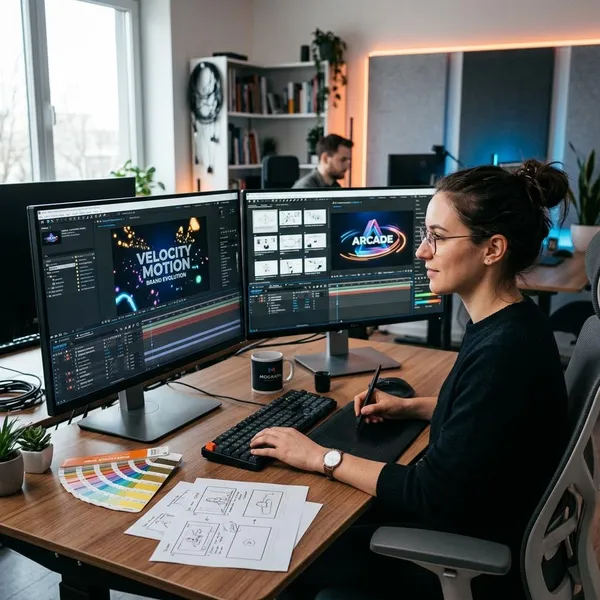
Motion graphics work appears anywhere a static design needs movement: social ads, YouTube intros, product demos, website videos, event screens, app previews, explainers, and sales presentations. The practical job is to decide what the viewer should notice first, what should happen next, and how motion can make the message easier to follow.
Animated logos and titles
Animated logos and titles are common because they set the tone quickly. A quiet consulting brand may need a clean, restrained logo reveal, while a sports channel or gaming brand can use sharper cuts, stronger sound hits, and more energetic movement.
Ads and social graphics
Social motion design has to work fast. On mobile, people may scroll past in seconds and often watch without sound, so readable text, clear product focus, and a strong first frame matter more than complex animation.
- For paid ads: make one message obvious before adding supporting details.
- For organic social: use motion to hold attention without making the layout feel noisy.
- For multiple platforms: plan vertical, square, and widescreen versions early.
Explainer videos
Explainer videos turn a process, service, app, or abstract idea into a sequence viewers can follow. A motion graphics designer may animate icons, screenshots, diagrams, captions, and transitions around a script or voiceover.
Charts and product animations
Charts and product animations help when the viewer needs to understand change, comparison, or function. Instead of showing a dense chart all at once, motion can reveal one trend at a time. Instead of describing a product feature in a paragraph, animation can show where the feature is and how it works.
For product marketing, this can be a simple UI flow, a rotating device render, or a close-up of a feature. The best version is not always the flashiest one; it is the one that answers the buyer's question with the least friction.
Key motion design skills
The strongest motion graphics designer skills are not just software skills. You need to understand design, timing, pacing, communication, and revision work. In a real job, the designer who can make a clear, useful animation on deadline is often more valuable than someone who only knows advanced effects.
Layout and typography
Layout and typography come first because motion cannot save a weak frame. If the spacing is messy, the contrast is poor, or the type is hard to read, the animation will still feel amateur.
Timing and movement
Timing controls how motion feels. A half-second change can make a transition feel premium, rushed, playful, or awkward.
- Use faster motion when the piece needs energy or urgency.
- Use slower motion when the brand needs calm, clarity, or a more polished feel.
- Stagger movement when several elements appear together, so the viewer has a path to follow.
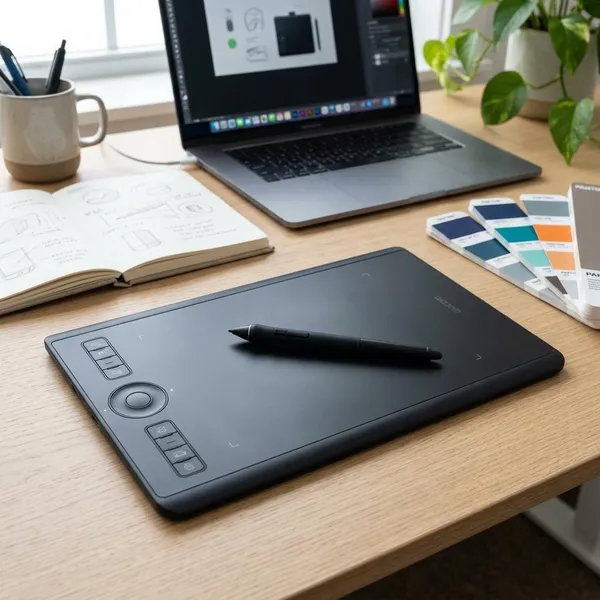
Storyboarding
Storyboarding helps you solve the message before you spend hours animating. It can be rough sketches, simple frames, or a sequence of layout ideas. The point is to test the order: what appears first, what the viewer learns next, and where the ending lands.
Sound and visual rhythm
Sound is not always part of the designer's final responsibility, but rhythm still matters. Motion that lands on a beat, a voiceover cue, or a small sound effect often feels more intentional.
Feedback and teamwork
Motion design usually involves other people: marketers, editors, creative directors, developers, clients, or brand managers. Good feedback handling means listening for the real problem behind the comment.
If someone says the animation feels "slow," the fix may be shorter timing, but it may also be weak hierarchy or a delayed key message. If someone says it feels "off brand," the issue may be color, typography, easing, or music. The better you get at translating feedback into design decisions, the easier you are to trust on real projects.
Motion design tools
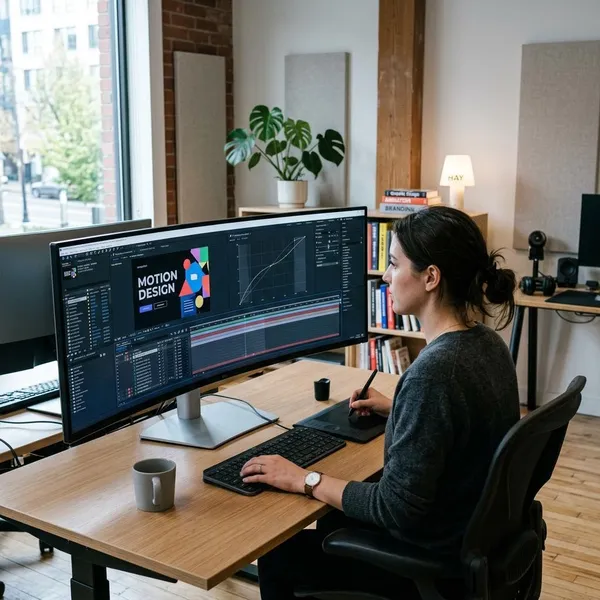
The main motion graphics designer tools cover animation, vector assets, image work, and sometimes 3D. You do not need to learn every app at once. For most beginners, it is smarter to learn one animation tool well, then add supporting tools as your projects demand them.
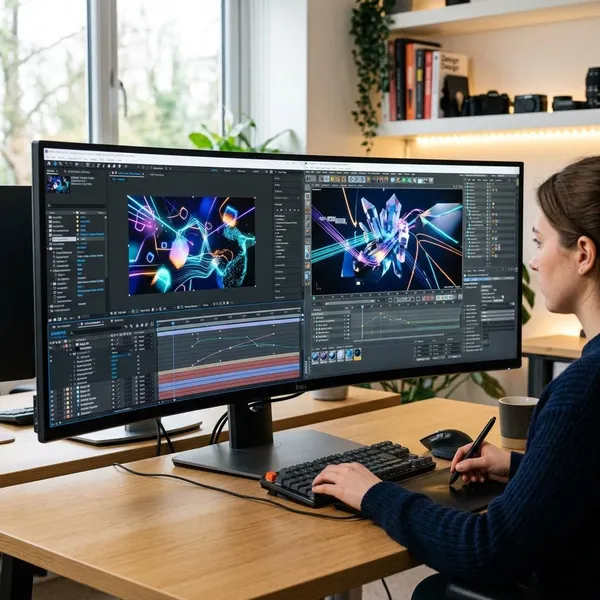
After Effects for animation
After Effects is the most common starting point for 2D motion design. It is used for kinetic typography, logo animation, explainer videos, transitions, compositing, UI motion, and short branded videos.
It is also practical for job hunting because many junior motion roles mention After Effects directly. Learn keyframes, easing, masks, parenting, precomps, and clean project organization before worrying about complex plugins.
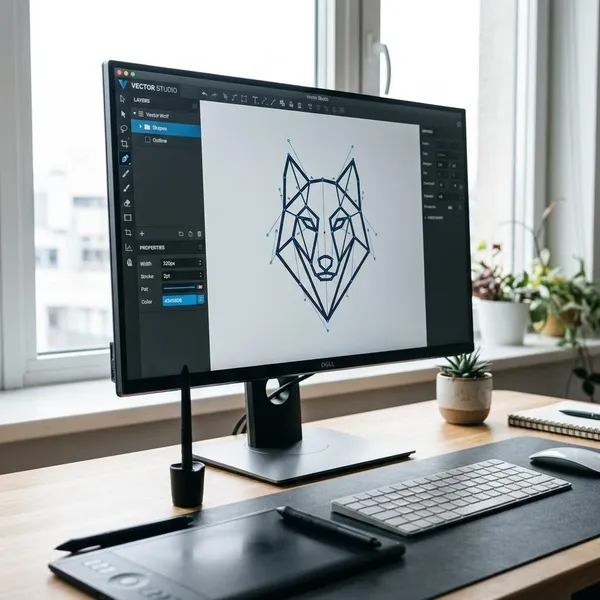
Illustrator for vector assets
Illustrator is useful for logos, icons, diagrams, line art, and shape-based graphics. Clean vector files make animation easier because elements can be separated, scaled, recolored, and moved without losing quality.
Photoshop for image assets
Photoshop helps with product cutouts, image cleanup, masks, textures, mockups, and style frames. If a motion piece uses photos or mixed media, Photoshop is often where the assets become usable.
Blender or Cinema 4D for 3D
Blender and Cinema 4D are used when a project needs depth, lighting, camera movement, product renders, or more dimensional brand visuals. Blender is free and widely supported by tutorials; Cinema 4D is still common in many commercial motion design workflows.
Do not add 3D just to look advanced. It brings extra decisions around materials, lighting, render time, and scene setup. For a beginner, 2D motion is usually the cleaner first path unless the jobs you want clearly ask for 3D work.
How to become a motion graphics designer
To become a motion graphics designer, build the skill stack in the right order: design basics, animation practice, sample projects, a short showreel, and targeted applications. A degree can help, but a strong portfolio usually carries more weight than the name of a course.
Learn design basics
Start with composition, typography, contrast, alignment, color, and hierarchy. Motion design is still design, and every animation is built from frames that need to work visually.
A simple practice method is to pause strong ads, title sequences, and explainer videos, then study the still frames. Notice where your eye goes first, how much text is on screen, and how the layout changes between moments.
Practice animation
Use short exercises instead of one giant beginner project. Animate a headline, a logo reveal, a chart, a button interaction, or a three-step product flow. Small finished pieces teach control faster because you get repeated practice with timing, easing, and pacing.
Create sample projects
Sample projects are fine when you do not have client work yet, but they should feel like real briefs. Invent a product, brand, campaign, or app feature, then solve a clear communication problem.
Make the sample match your target role. If you want junior agency work, show short ads and campaign variations. If you want product marketing work, show UI motion, feature explainers, and clean screen-based storytelling. Random experiments are useful for learning, but targeted samples are easier for employers to judge.
Build a showreel
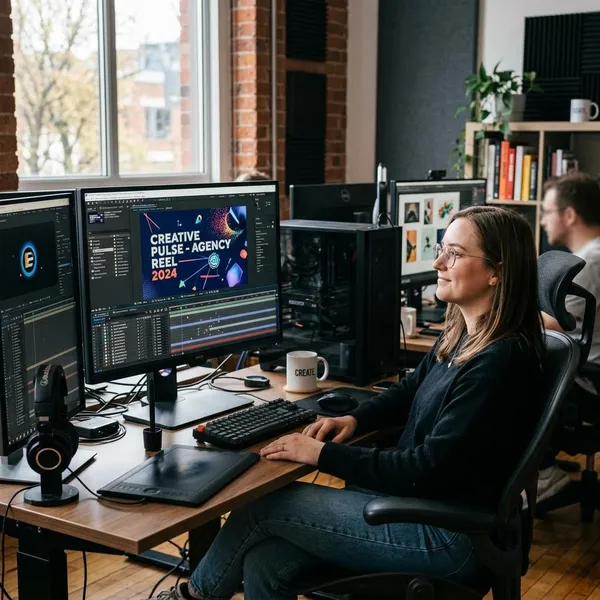
A showreel should be short, focused, and easy to watch. For early portfolios, around 30 to 60 seconds is usually enough.
Lead with your strongest clip, remove anything average, and avoid long intros. If a viewer only watches the first 10 seconds, they should already understand the level and type of work you can do.
Apply for junior roles
Apply before you feel perfectly ready, as long as your portfolio shows solid fundamentals and finished work. Junior titles vary, so look for motion designer, video designer, content designer, production artist, brand designer with motion, or marketing designer roles that include animation.
Use job posts as feedback. If the roles you want keep asking for social ad versions, stronger typography, or product storytelling, make your next portfolio project answer that gap. The first job is often the hardest, so your aim is to keep improving while you apply rather than waiting for a perfect moment.
What to show in your portfolio
A strong motion graphics designer portfolio shows finished work, process, and relevance. Five polished projects can be better than fifteen mixed-quality pieces. Reviewers usually decide quickly, so your best and most relevant work should be easy to find.
Your best finished work
Put your strongest finished work first. Finished pieces show that you can take an idea through design, animation, polish, and delivery.
Storyboards and style frames
Storyboards and style frames show how you think before animation starts. They help a reviewer see that you can plan a message, set a visual direction, and make decisions before opening a timeline full of keyframes.
This is especially useful for junior designers because it adds credibility to self-initiated projects. A made-up brief feels more professional when the process shows clear intent.
Your role in each project
Be specific about your contribution. If you designed, animated, edited, and handled sound, say that. If you animated assets designed by someone else, say that too.
Work that fits your target jobs
Your portfolio should make the reviewer think, "This person can do the kind of work we need." A SaaS company will look for product clarity and UI motion. A social agency will care about speed, hooks, formats, and campaign thinking. A studio may look harder at visual polish, pacing, and concept development.
Trying to appeal to every type of employer often makes a beginner portfolio feel scattered. Pick a direction for now, show work that supports it, and expand later when you have more experience.
Conclusion
A motion graphics designer is valuable when movement makes a message clearer, not just prettier. If you are learning the role, build strong still-frame design first, practice short animations, and shape your portfolio around the jobs you actually want. The fastest way to look hireable is to show finished work that proves you can guide attention, explain ideas, and make smart choices under real project constraints.