The best newsletter builder is the one that matches how your readers will receive the newsletter: email, creator publishing, PDF, print, or an interactive online format. If you send to subscribers every week, choose an email-first platform; if you mainly need a polished school bulletin, community update, or downloadable file, a design or export-focused tool will usually feel easier.
Best newsletter builders by use case
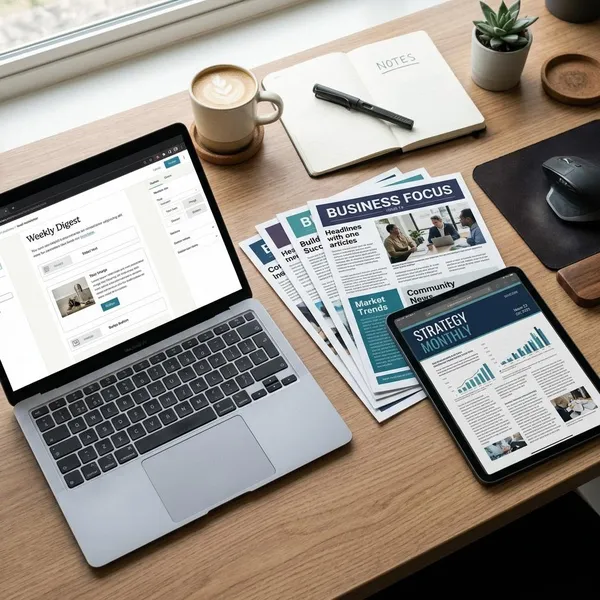
Start with the final format before comparing features. A tool can look impressive and still be the wrong fit if it handles the wrong part of the job well. Email platforms are strongest at delivery and audience management, while design tools are better when the newsletter needs to look clean as a PDF or printed handout.
| Use case | Best fit | Choose it when |
|---|---|---|
| Email campaigns | Mailchimp | You need subscriber lists, scheduled sends, automation, and reporting. |
| Creator publishing | beehiiv | You want to grow a writing-led newsletter with web posts and audience tools. |
| Print and PDF | Canva | You care more about layout, visuals, and export quality than email automation. |
| Interactive newsletters | Flipsnack | You want a magazine-like digital reading experience with clickable pages. |
Mailchimp for email campaigns
Mailchimp makes the most sense when the newsletter lives in the inbox and you want one place to design, send, segment, and review campaigns. It is a practical choice for small businesses, local services, ecommerce shops, and organizations that send regular updates to a contact list.
The main value is not just the drag-and-drop editor. Mailchimp gives you list tools, sign-up forms, scheduling, basic automation, and campaign reports, which matters if you want to improve each send instead of treating every issue as a one-off design project.
beehiiv for creator newsletters
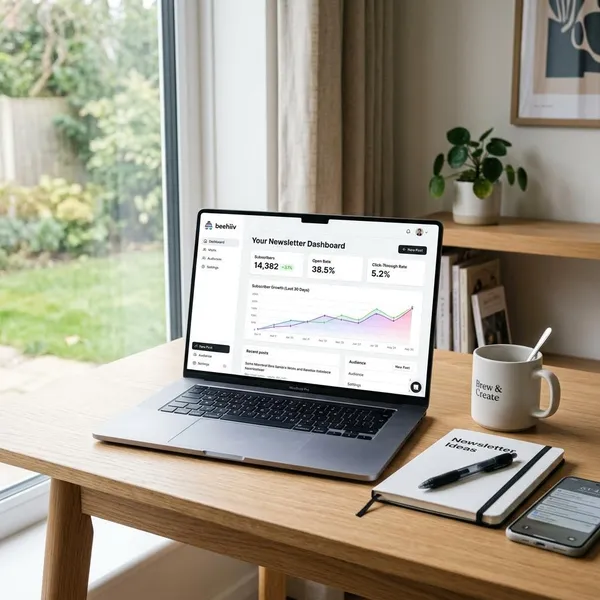
beehiiv is better for writers and creators who see the newsletter as a publication, not just a marketing email. Each issue can work as both an email and an online post, which is useful if you want readers to share your writing outside their inbox.
Choose beehiiv if audience growth, referrals, publishing flow, and monetization options matter more than heavy visual design. A solo writer publishing a weekly essay will usually get more from this setup than a shop owner who mainly needs promotional campaigns and customer segments.
Canva for print and PDF
Canva is the easiest pick when the newsletter needs to look polished as a PDF, classroom handout, club update, church bulletin, or internal announcement. It is especially useful for people who are comfortable designing visually but do not want traditional design software.
- Good fit: printed newsletters, downloadable PDFs, visual updates, simple branded layouts.
- Less ideal: large email lists, automated sequences, detailed subscriber tracking.
- Check first: export quality, margins, image sharpness, and how the PDF looks on mobile.
Flipsnack for interactive newsletters
Flipsnack is useful when a flat PDF feels too static. It can turn a newsletter into a flipbook-style publication with page turns, links, and a more magazine-like reading experience.
Newsletter builder features to compare
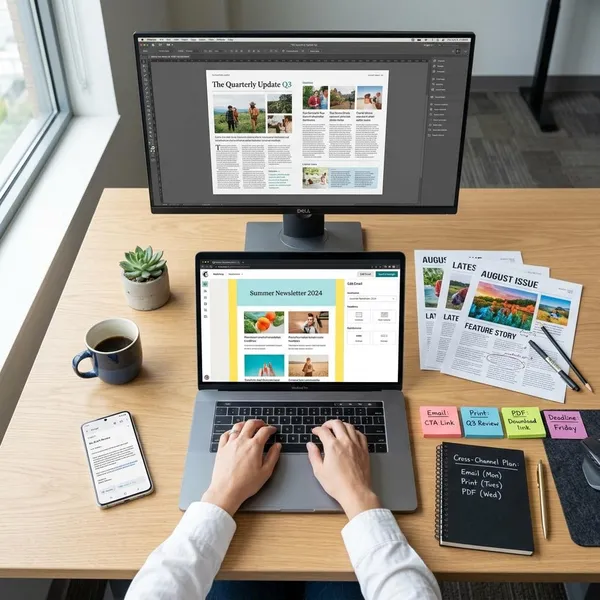
Once you know the format, compare the features that affect your real workflow. The first things to check are editing comfort, delivery or export options, subscriber tools if you send email, and whether you can review results after publishing. Fancy extras matter much less if the basic process feels slow every time you create an issue.
Templates and editing
A good template should give you structure without trapping you in a layout that is hard to adjust. Before choosing a platform, try changing fonts, moving sections, replacing images, editing buttons, and previewing the design on mobile or as a PDF.
If you publish often, saved blocks and brand styles can save more time than having hundreds of templates. A simple reusable layout usually beats a beautiful design that takes an hour to fix every month.
Subscriber management
Subscriber management matters only if you are sending emails, but when you need it, it becomes essential. Look for clean sign-up forms, unsubscribe handling, contact imports, tagging or segmentation, and a clear way to keep your list organized.
Email automation
Automation is useful when the same message should go out without you manually sending it every time. A welcome email for new subscribers is the simplest example, and it is often enough for small newsletters.
Do not pay for complex automation just because it sounds advanced. It is worth having when you need welcome sequences, follow-ups after sign-up, customer journeys, or timed campaigns. If you only send a quarterly PDF to a small group, automation may add clutter rather than value.
Analytics and reporting
Analytics tell you whether readers actually respond. For email, check opens, clicks, bounces, unsubscribes, and which links receive attention. For interactive newsletters, page views or reading activity can be more useful than email-style metrics.
Branding and integrations
Branding tools help keep each issue recognizable with the same logo, colors, fonts, headers, and reusable sections. This is not just a design detail; consistency helps readers know they are looking at the right sender before they read a word.
Integrations matter when the newsletter is part of a larger workflow. If sign-up forms, your CRM, online store, or website do not connect smoothly, you may end up copying contacts by hand, which is slow and easy to mess up.
Export and print options
Export quality is a deal-breaker for print and PDF newsletters. Test one finished issue before committing: download the PDF, open it on a phone, view it on a laptop, and print one page if physical copies matter.
- Margins: make sure nothing important sits too close to the edge.
- Images: check that photos do not become blurry or overly dark.
- Links: confirm clickable links still work in the exported file.
- File size: avoid huge PDFs if readers will download them on mobile.
How to choose a newsletter builder
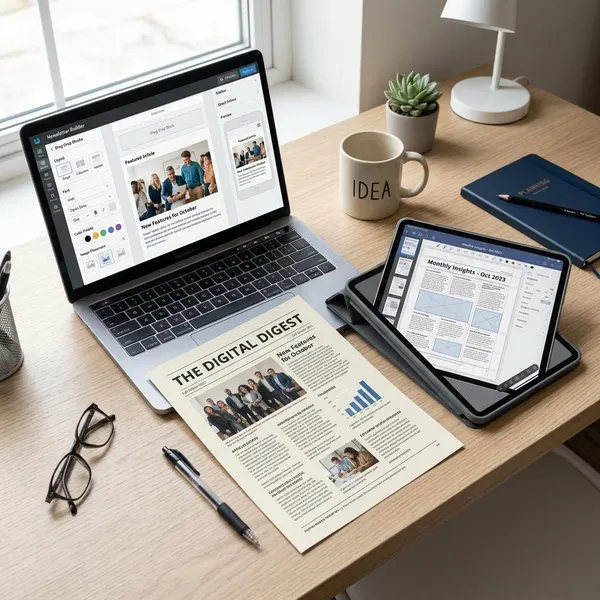
The safest way to choose is to work backwards from the reader experience. Ask where the newsletter will be read, how often you will publish, who needs to manage it, and what would become painful after three months of use. Popularity and price only matter after those questions are clear.
Choose your newsletter format
Pick the main format first: email, PDF, print, web publication, or interactive flipbook. One tool can sometimes handle more than one format, but the best choice is usually obvious once you know the main destination.
Define your sending needs
Think about frequency and audience complexity. A monthly update to 80 members does not need the same system as a weekly campaign to 15,000 subscribers with different customer groups.
- Occasional small list: simple templates and easy sending may be enough.
- Growing email list: look for segmentation, sign-up forms, and unsubscribe handling.
- Sales or onboarding: automation and reporting become more important.
- Offline distribution: PDF and print checks matter more than email features.
Match tools to your workflow
The right platform should fit the way the newsletter is actually made. If one person writes and publishes quickly, a clean editor may matter most. If a team reviews content before sending, collaboration, comments, approvals, or easy duplication of past issues can save a lot of back-and-forth.
Also check how easy it is to reuse your usual sections. A newsletter with a recurring event calendar, sponsor block, product section, or editor note should not require rebuilding the same layout every time.
Compare pricing and limits
Compare the cost at the usage level you expect six to twelve months from now, not just the free or entry plan. Limits on contacts, monthly sends, automation, exports, file downloads, brand removal, or analytics can change the real price quickly.
A cheap plan is fine if it covers your actual needs. It becomes frustrating when the one feature you need most, such as PDF export or audience segmentation, is locked behind a much higher tier.
Test before committing
Build one real sample issue before you move your workflow into a platform. Use your own text, images, links, logo, and normal newsletter length, because demo templates often hide the awkward parts.
- Create the issue: check whether editing feels quick or fussy.
- Preview the result: view it on mobile, desktop, email, PDF, or print as needed.
- Send or export a test: confirm links, spacing, images, and buttons work.
- Repeat one task: duplicate the issue or prepare the next one to see if the workflow is sustainable.
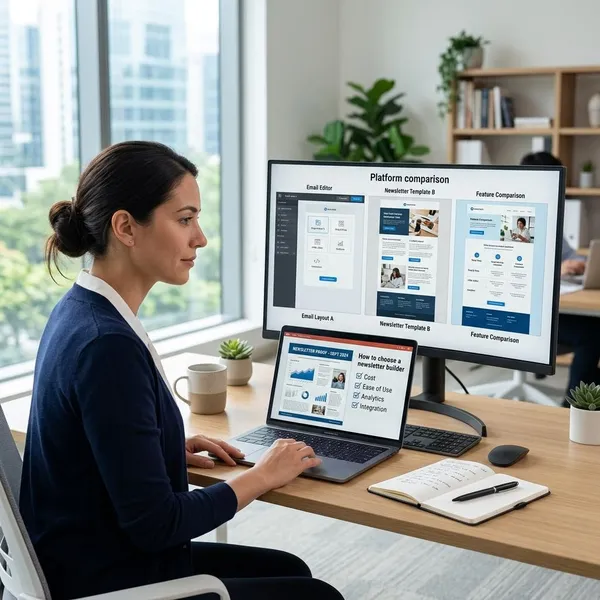
How to create a newsletter
After choosing a tool, keep the creation process simple. A strong newsletter usually has one clear purpose, a layout that is easy to scan, content that earns attention quickly, and a final check before it goes out. The biggest mistake is trying to include everything just because the template has space for it.
Set your goal
Decide what the issue should achieve before choosing images or writing copy. It might announce an event, sell one offer, share community updates, teach readers something useful, or bring people back to a website.
One clear goal makes editing easier. If the purpose is event attendance, dates, location, and the registration link should be near the top. If the purpose is a creator digest, the strongest story or idea should lead instead of being buried under housekeeping notes.
Choose a template
Select a template that matches the job, not just the nicest design. Promotional emails need clear buttons and product space. Creator newsletters need comfortable reading width and strong typography. Print newsletters need page balance, readable columns, and enough room for images without crowding the text.
Add your content
Put the most important information first and cut anything that does not support the goal. Readers often scan the subject line, opening section, headings, buttons, and images before deciding whether to read closely.
- Lead with the main point: do not hide the reason for the newsletter.
- Use short sections: long blocks are easy to skip, especially on mobile.
- Make links obvious: buttons or clear text links reduce confusion.
- Use images with purpose: decorative graphics should not push useful content down.
Apply your branding
Add your logo, colors, fonts, and recurring visual elements, but keep readability ahead of decoration. A branded newsletter still needs clear contrast, sensible spacing, and text that looks good on the device or page where readers will see it.
For a long-term newsletter, save these settings as a reusable style. That way, each new issue feels consistent without turning every edition into a design project from scratch.
Send or export
Before publishing, preview the newsletter in the same format your audience will use. Send a test email to yourself, open the PDF on a phone, or print a page if it will be handed out. This is where broken links, awkward line breaks, oversized images, and missing contact details usually show up.
Review the results
Look at the results while the issue is still fresh. For email, check clicks and unsubscribes as well as opens, because opens alone do not tell you whether readers acted. For PDF, print, or interactive newsletters, ask a few real readers what they noticed first and what they missed.
Small adjustments usually work better than constant redesigns. Move popular sections higher, shorten weak parts, test clearer subject lines, and keep the format familiar enough that readers know what to expect.
Conclusion
A newsletter tool is worth choosing only after you know the format, audience, and repeat workflow. Mailchimp fits email campaigns, beehiiv fits creator publishing, Canva fits print and PDF, and Flipsnack fits interactive reading; if you are unsure, build one real sample issue and judge the tool by how easily it handles your actual content.