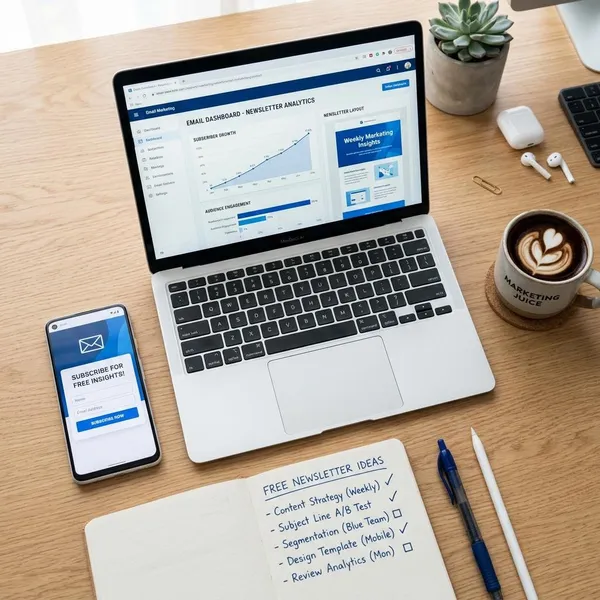
A newsletter subject line generator is useful when you need fresh ideas fast, but it should not choose the final line for you. The best results come from giving the tool a clear topic, audience, and goal, then editing the output until it sounds specific, believable, and worth opening.
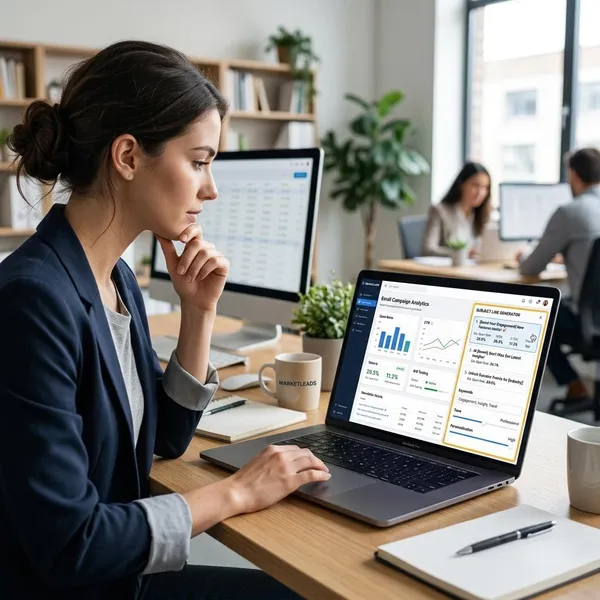
Best newsletter subject line generators
The right tool depends less on which one is "best" overall and more on the kind of newsletter you send. A store promoting a weekend sale needs different subject lines from a consultant sending a monthly advice email. Start by choosing a generator that matches your normal email style, then use it as a drafting partner rather than a final decision-maker.
| Tool | Best fit | Watch out for |
|---|---|---|
| Omnisend | Promotions, product launches, ecommerce campaigns | Can sound generic if the offer details are vague |
| Mailmeteor | Simple newsletters, outreach, professional updates | May need extra editing for a stronger brand voice |
| Copy.ai | Creative angles, content newsletters, testing ideas | Some suggestions may feel too polished or overhyped |
How does a subject line generator work?
A subject line generator takes the information you provide and turns it into several headline-style email options. Most tools use AI, templates, or both to predict wording that may feel clear, relevant, urgent, useful, or interesting.
The important part is the input. A weak prompt gives the tool very little to work with, so the output often sounds like a generic marketing line. A stronger prompt tells the tool what the email is about, who it is for, how it should sound, and what kind of response you want.
Add your newsletter topic
Start with the actual email topic, not just a broad category. "Budgeting tips" is workable, but "three ways to reduce grocery spending this month" gives the generator a clearer subject to shape.
Include the content type if it matters: a checklist, product update, personal note, sale, tutorial, roundup, or announcement. This helps prevent subject lines that sound attractive but do not match the email.
Describe your audience
A subject line for first-time subscribers should not sound the same as one for loyal customers who already know your brand. Add audience details such as experience level, interest, pain point, or relationship with your business.
- Beginners: use clearer wording and avoid insider terms.
- Repeat buyers: mention relevant offers, updates, or early access.
- Busy readers: make the benefit obvious without extra setup.
Choose a tone
Tone tells the generator whether the subject line should feel friendly, expert, playful, calm, direct, or urgent. This matters because the subject line sets expectations before the email is opened.
Generate several options
Do not stop at the first decent result. Generate a small batch so you can compare different angles: direct benefit, curiosity, urgency, question, number, or personal-sounding phrasing.
Edit the strongest ideas
The best generated line is usually not ready as-is. Tighten vague wording, remove inflated claims, and make sure the promise matches the email content. A subject line should earn the open without making the reader feel tricked afterward.
How to get better subject line ideas
Better subject line ideas usually come from better prompts, not from asking the same vague question again. Before generating, decide what the email is trying to do and what the reader should care about first. That priority gives the tool a clearer direction.
Give specific context
Specific context turns a bland prompt into something the generator can use. Instead of "new feature," try "new calendar feature for freelancers who want to plan client deadlines faster." The second version gives the AI a reader, a topic, and a reason to care.
Include the reader benefit
The reader benefit should answer the quiet inbox question: "Why should I open this?" Benefits can be practical, emotional, financial, educational, or time-saving.
- Weak: "Our March newsletter"
- Better: "A faster way to plan March content"
- Weak: "Product update"
- Better: "New filters to find reports faster"
Define your newsletter goal
Your goal changes the best subject line angle. If you want clicks to a blog post, curiosity or a useful takeaway may work well. If you are announcing a sale, clarity and timing matter more. If you are nurturing trust, avoid wording that sounds too aggressive for the relationship.
This is one of the easiest places to make a subject line more strategic. Tell the generator whether the email should drive a click, explain an update, announce an offer, invite a reply, or simply keep readers engaged.
Match your brand voice
Add brand voice instructions directly into the prompt. Phrases like "friendly but not cute," "expert and simple," "confident without hype," or "warm and concise" can improve the first batch of results.
Also tell the tool what to avoid. If your audience dislikes clickbait, say "no exaggerated urgency" or "avoid phrases like you won't believe." Negative instructions often save editing time.
Generate different angles
Ask for several angles around the same email instead of several rewrites of one idea. For example, request one benefit-led option, one curiosity-led option, one direct option, and one softer conversational option. This gives you a real choice rather than a pile of similar lines.
How to improve AI-generated subject lines
AI is good at producing options, but it often misses judgment. Your edit should check whether the subject line is clear, honest, concise, and natural for your audience. If it sounds impressive but does not match the email, it is not a good subject line.
Make the value clearer
Replace vague promises with a concrete reason to open. "Improve your workflow" is broad. "Plan next week's tasks in 15 minutes" gives the reader a clearer expectation, as long as the email actually supports that promise.
Keep the wording concise
Trim words that do not help the reader decide. AI often adds phrases such as "discover," "ultimate," "amazing," or "simple and effective" when one direct phrase would work better.
Match the email content
The subject line should accurately represent what is inside the email. If the message contains a small product update, do not frame it like a major announcement. If the email offers three beginner tips, do not make it sound like a complete expert system.
This matters more for newsletters than one-off campaigns because subscribers remember patterns. A slightly calmer but accurate subject line is often better for long-term trust than a dramatic line that wins one open and disappoints the reader.
Remove unnecessary hype
Cut inflated claims unless your email truly earns them. Words like "secret," "instant," "game-changing," or "unbelievable" can make a newsletter feel less credible, especially in professional, financial, health, or educational niches.
Add a human touch
A human-sounding subject line uses language your readers would actually recognize. Sometimes that means adding a softer phrase, asking a natural question, or choosing a simpler word over a polished marketing term.

How to test newsletter subject lines
Testing helps you move from guessing to learning. You do not need a complicated system at first; even a simple comparison between two strong options can show whether your audience responds better to clarity, curiosity, urgency, or a specific benefit.
Pick your strongest options
Choose subject lines that are genuinely worth sending. A good test is not "good line versus bad line." It is two credible options with different angles, such as a direct benefit against a curiosity-based version.
Test one change at a time
Keep the comparison clean. Test one major difference, such as with or without a number, direct wording versus question wording, or urgency versus no urgency.
If one version is shorter, funnier, more urgent, and more specific, you will not know which part influenced the result. Smaller tests create lessons you can actually reuse.
Compare audience response
Open rate is useful, but it does not tell the whole story. Compare the result against the email goal. A subject line that gets fewer opens but more clicks, replies, purchases, or qualified actions may be the stronger choice.
- Content newsletter: check clicks and reading behavior.
- Sales email: check conversions, not only opens.
- Relationship email: watch replies and unsubscribe signals.
Track winning patterns
Keep a simple record of what you send and what happens. Note the topic, audience segment, subject line style, send date, open rate, click rate, and any meaningful outcome. After several newsletters, patterns become easier to spot.
Apply what you learn
Use your test results to improve future prompts. If concise benefit-led lines keep performing well, ask the generator for more of those. If urgency performs poorly with your audience, remove it from the prompt before it creates more options you will not use.
Conclusion
A newsletter subject line generator is most useful when you treat it as a fast brainstorming tool, not a shortcut around judgment. Pick a tool that fits your email style, give it specific context, edit out vague or exaggerated wording, and test the strongest options against real audience behavior. If the final line is clear, honest, and relevant to the email inside, it has a much better chance of earning the right open.