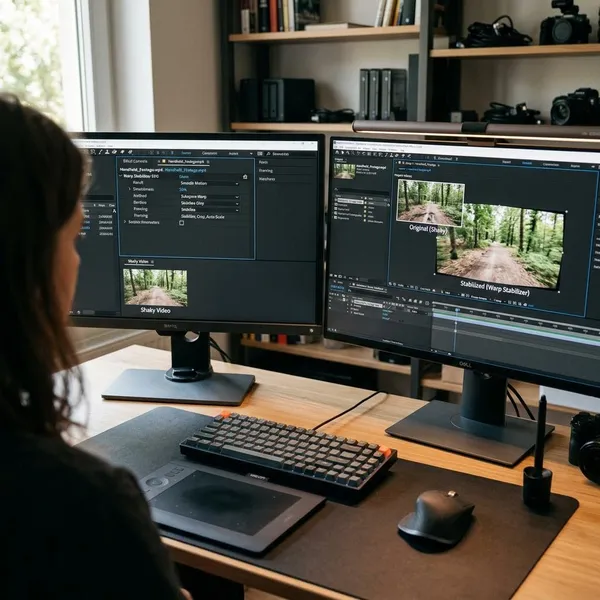
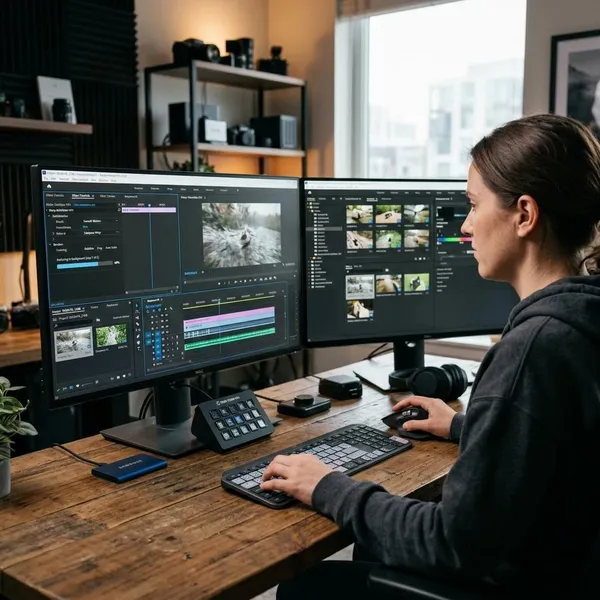
If you want good laptops for graphic design in 2026, start with the work you actually do: a sharp, color-accurate screen and enough memory matter more for most designers than chasing the biggest spec sheet. For everyday Adobe, Figma, branding, and layout work, 16GB RAM is the floor; for motion, video, or 3D, move up in memory, cooling, and GPU power before you worry about small design extras.
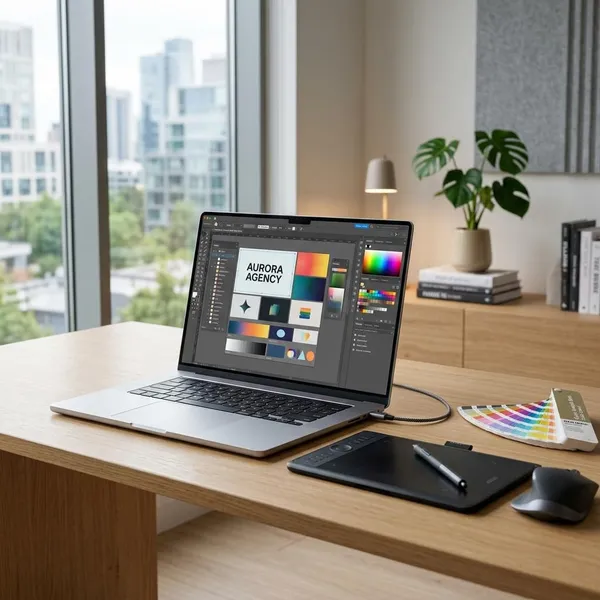
Good laptops for graphic design in 2026
The safest shortlist is not one single laptop. A student carrying a laptop across campus has different needs from a designer who keeps Photoshop, Illustrator, Lightroom, and browser references open all day. Treat these picks as starting points for different workflows rather than a universal ranking.
MacBook Pro 14-inch with M5 Pro for professional design work
The 14-inch MacBook Pro with M5 Pro is the strongest choice here for designers who make money from their laptop and cannot afford daily slowdowns. It makes the most sense if you work with large Photoshop files, layered Illustrator projects, brand systems, photo edits, or several creative apps open at once.
Its biggest practical advantage is balance: a high-quality display, strong sustained performance, good battery life, and useful support for external monitors. If your laptop is your main work machine, that balance is usually more valuable than saving a little money on a thinner, lower-power model.
ASUS ProArt P16 for Windows-based creative workflows
The ASUS ProArt P16 is the better fit if you want a Windows laptop built around creative work rather than gaming style. It is especially sensible for someone who uses Adobe apps but also touches video, Blender, AI-assisted tools, or Windows-only software.
Look closely at the exact configuration before buying. The ProArt name is useful, but the real value comes from the screen quality, CPU, GPU, RAM, storage, and cooling in the model you choose. For a desk-based designer who wants one laptop for design during the day and heavier creative projects at night, this is often a smarter direction than a thin ultrabook.
MacBook Air M5 for students and lighter design work
The MacBook Air M5 is the easy recommendation for students, beginners, and lighter freelance work, as long as you choose enough memory. It is light, quiet, and convenient for classes, cafés, shared studios, and travel.
It is fine for Figma, Illustrator, InDesign, Canva, presentations, branding concepts, and moderate Photoshop work. I would not choose it as the main machine for long video exports, complex motion graphics, or regular 3D work, because the thinner design is not built for sustained heavy loads.
Lenovo Yoga Pro 9i Aura Edition for a large-screen Windows setup
The Lenovo Yoga Pro 9i Aura Edition makes sense when screen space matters more than maximum portability. A larger display gives you more room for tool panels, layers, reference images, and side-by-side checks, which can be a real productivity boost in layout and photo work.
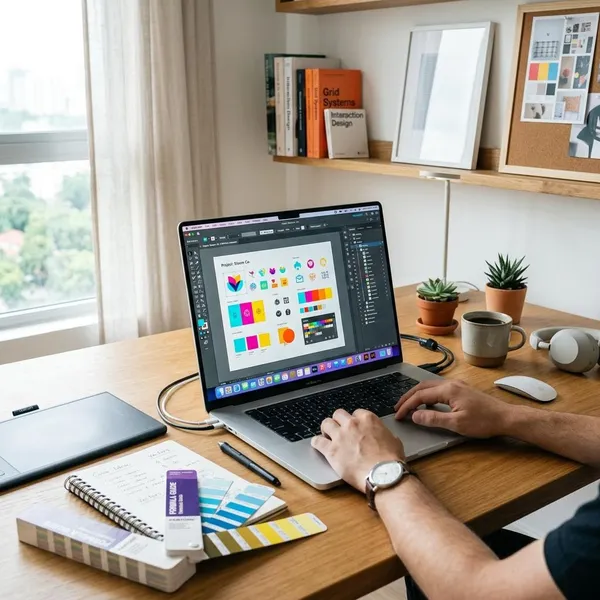
What to look for in a graphic design laptop
Check the display first, then RAM, then the performance parts that match your workload. A laptop can have a fast chip and still be annoying for design if the screen is dull, the colors are unreliable, or it runs out of memory when several apps are open.
A color-accurate display
A color-accurate display is the one feature I would not compromise on if the laptop is mainly for visual work. If the screen is too cool, too warm, too dim, or inconsistent, you may keep correcting files that were not actually wrong.
Look for a sharp panel with strong color coverage and enough brightness for your normal workspace. For print, product photos, or client branding, a calibrated external monitor is still useful, but a good built-in screen prevents a lot of bad decisions when you are working away from your desk.
16GB or more RAM
For 2026, 16GB RAM is the practical starting point for graphic design. It gives Photoshop, Illustrator, InDesign, Figma, browsers, fonts, and cloud tools enough room to run without constant pressure.
- 16GB: fine for students, UI work, layouts, and moderate image editing.
- 24GB or 32GB: better for large files, long-term ownership, and heavy multitasking.
- 32GB or more: sensible for motion graphics, video, 3D, and complex creative pipelines.
Fast CPU and SSD performance
A fast CPU keeps creative apps responsive when you open files, apply filters, export assets, or work across several programs. You do not always need the most expensive processor, but you do want a modern multi-core chip that does not feel strained by your normal projects.
The SSD matters more than many buyers expect. Large image libraries, linked assets, cache files, and project folders feel much smoother on fast storage. If you work with big media files, also think about capacity: a tiny SSD fills quickly once you add Adobe apps, fonts, mockups, and backups.
Enough GPU power for your workflow
Integrated graphics are often enough for Figma, Illustrator, InDesign, and ordinary Photoshop work. Spending extra on a high-end GPU is not the best use of money if your projects are mostly logos, web layouts, social posts, and documents.
A dedicated GPU becomes worth it when the work moves into motion graphics, video timelines, 3D scenes, complex effects, or software features that clearly use graphics acceleration. The simple rule: if you wait on previews, renders, or viewport movement every day, GPU power matters; if you mostly wait on yourself making design decisions, it probably matters less.
Useful ports and external display support
Ports are easy to ignore until you are carrying adapters everywhere. Designers often plug in external monitors, drawing tablets, SSDs, cameras, SD card readers, docks, and presentation screens.
Comfortable size and battery life
Size is a workflow decision, not just a preference. A 13- or 14-inch laptop is easier for a student, commuter, or café worker; a 15- or 16-inch model is more comfortable if the laptop screen is your main canvas for long editing sessions.
Battery life matters most when you regularly work away from a desk. If you mostly design at home with a charger and external monitor, weight and battery are less important than screen size, cooling, and ports. If you move between classrooms or client meetings, a lighter laptop with reliable battery can be the better machine even if it is not the fastest one on paper.
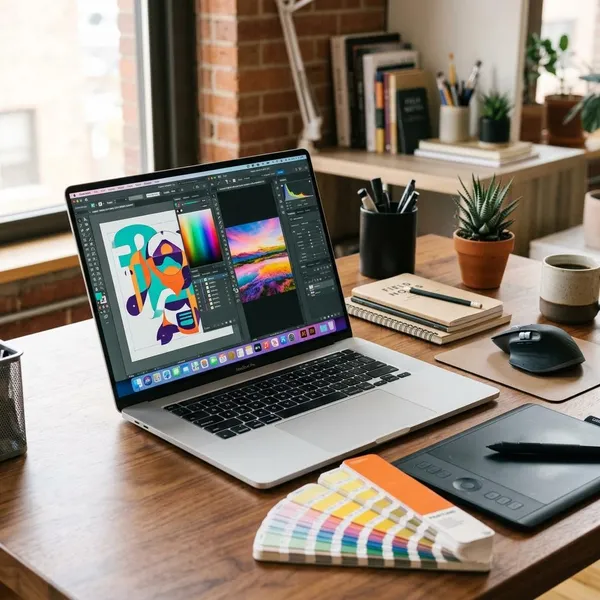
Which laptop specs fit your design work
The best specs depend on where your projects become slow. For some people, that is too little RAM with several apps open. For others, it is a weak GPU during video previews, or a cramped screen that makes every layout task take longer.
| Design workload | Spec priority | Practical buying direction |
|---|---|---|
| Student design, Figma, basic Adobe | Display, 16GB RAM, battery | Thin premium laptop or MacBook Air-class machine |
| Professional 2D design and photo work | Display, RAM, CPU, SSD | MacBook Pro or creator-focused Windows laptop |
| Motion, video, 3D | CPU, GPU, 32GB RAM, cooling | Higher-performance creator laptop or mobile workstation |
Photoshop, Illustrator, and InDesign
For Photoshop, Illustrator, and InDesign, prioritize a color-accurate screen, 16GB or more RAM, a modern CPU, and a fast SSD. These apps often feel slow because of large files, many layers, linked images, fonts, and multitasking rather than because the laptop lacks a gaming-level GPU.
Figma and UI/UX design
Figma and UI/UX work usually needs a balanced laptop more than a heavy one. The real load often comes from having Figma, browser previews, documentation, chat, video calls, and research tabs open together.
For a designer who spends the day in meetings and prototypes, I would rather have a portable laptop with 16GB or more RAM, a sharp screen, and strong battery life than a thick machine with a GPU that rarely gets used. If you use an external monitor at your desk, even a smaller laptop can work well.
Photo editing and digital illustration
Photo editors and illustrators should care most about display quality, pen or tablet support, RAM, and storage speed. Brush lag, slow zooming, and delayed file saves interrupt the creative flow more than benchmark numbers suggest.
- For online-only work: a good built-in display may be enough.
- For client color work: use calibration or a trusted external monitor when possible.
- For large RAW files or layered art: choose more RAM and more SSD space early.
Motion graphics and video editing
Motion graphics and video editing are where stronger hardware starts to pay back in time. A stronger CPU, a capable GPU, fast storage, and preferably 32GB RAM for heavier projects can make previews smoother and exports less painful.
Do not underestimate cooling. A very thin laptop may perform well in short bursts but slow down during longer renders or export sessions. If you edit video every week, choose sustained performance over the thinnest body.
3D and heavier creative workloads
For 3D, complex effects, rendering, and heavier mixed creative work, entry-level design specs are not enough for comfortable long-term use. Aim for a capable dedicated GPU, 32GB RAM or more, a strong CPU, fast SSD storage, and a laptop design that can cool itself properly.
Conclusion
Choose the laptop around your slowest real task, not the loudest marketing feature. For professional 2D design, the MacBook Pro 14-inch with M5 Pro is the safest premium pick; for Windows creative work, the ASUS ProArt P16 and Lenovo Yoga Pro 9i Aura Edition are stronger fits; for students and lighter work, the MacBook Air M5 is enough if you configure it with sensible memory. If you are unsure, spend first on the screen and RAM, then decide whether your workflow truly needs extra GPU power.