Graphic design is the practice of arranging words, images, color, and space so a message is easier to notice, understand, and remember. If you are asking "graphic designing what is," the simplest answer is: it is visual communication with a clear purpose, not just making something look attractive. The first thing to check in any design is whether a viewer can quickly tell what it is about and what they should do next.
What does a graphic designer do?
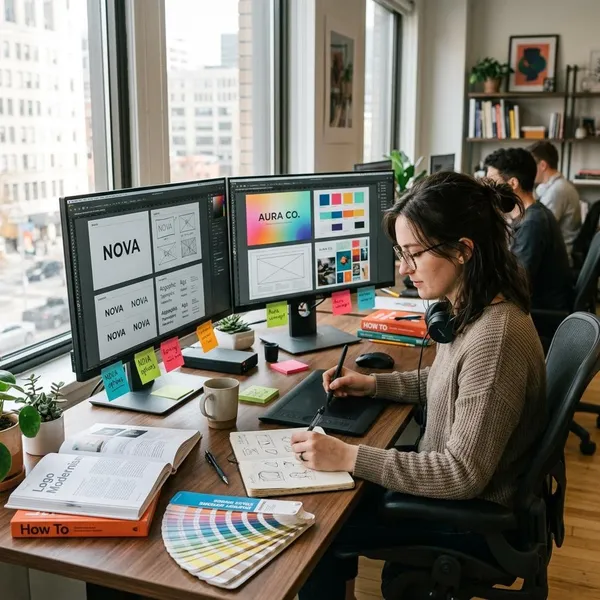
A graphic designer turns information into visuals that people can use. That may mean making a logo feel trustworthy, arranging a flyer so the main offer is obvious, or designing a web banner that does not get lost on a busy page.
Create layouts for print and digital media
Layouts decide where text, images, headings, white space, and calls to action appear. For print, that could mean a menu, brochure, poster, business card, or package label. For digital use, it might be a social post, email graphic, website section, or online ad.
- Print needs fixed details: page size, margins, image quality, bleed, and how the piece will look in real life.
- Digital needs flexibility: readable sizing, mobile-friendly spacing, fast-loading visuals, and clear hierarchy on different screens.
Design logos and brand assets
Logo design is one part of brand identity, but it is not the whole job. Designers also create color palettes, font systems, icons, social templates, business cards, packaging direction, and other reusable assets that help a brand look consistent.
Organize visuals for clear communication
One of the most valuable things a designer does is decide what the viewer should notice first. Large headings, strong contrast, grouped information, icons, and spacing can make a busy message feel manageable.
This is especially useful when the content is detailed: pricing options, event details, product features, directions, or instructions. The goal is not to decorate the information. The goal is to remove friction so people do not have to work hard to understand it.
Core elements of graphic design
Most graphic design decisions come back to four basics: typography, color, imagery, and layout. Beginners often focus on style first, but these elements are more useful when they support a clear message.
Typography
Typography is how text looks and behaves in a design. It includes font choice, size, spacing, line height, weight, and alignment. Good typography makes content easier to read and gives the message the right tone.
Color
Color helps create mood, contrast, and recognition. A strong color choice can guide attention to a button, separate sections, or make a brand easier to remember.
- Check contrast first: text must be readable against the background.
- Use fewer colors when unsure: two or three well-chosen colors usually look cleaner than six competing ones.
- Match the context: a playful event poster can be brighter than a legal or financial service graphic.
Imagery
Imagery includes photos, illustrations, icons, patterns, and other visual elements. The best image is not always the prettiest one; it is the one that supports the message. A real product photo may build trust, while a simple illustration may explain an abstract idea faster.
Layout
Layout controls the reading path. It helps viewers understand what comes first, what supports it, and where to go next.
Why is graphic design important?
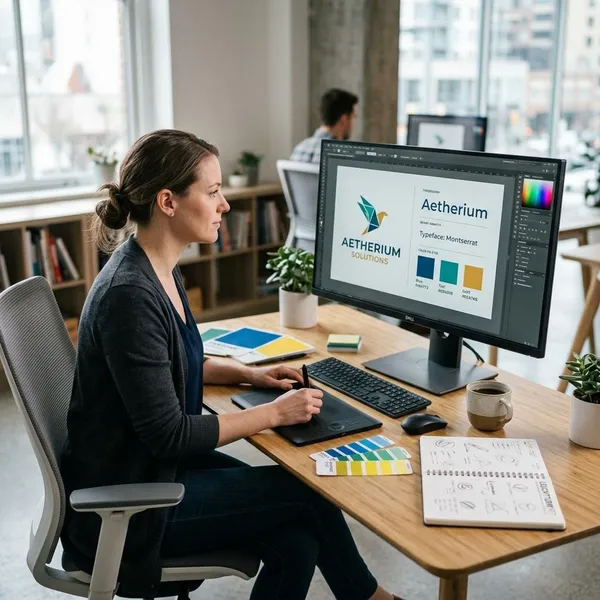
Graphic design matters because people often judge and understand information visually before they read closely. Good design can make a business look more credible, make instructions easier to follow, and make marketing easier to notice.
The priority is simple: clarity first, consistency second, style third. A design that looks trendy but hides the message is not doing its job.
Builds brand recognition
Brand recognition grows when people repeatedly see the same visual signals: logo, colors, typography, image style, and layout habits. Large brands use this carefully, but the same idea helps small businesses too.
Makes information easier to understand
Clear design reduces confusion. A restaurant menu with grouped categories, readable prices, and enough spacing is easier to use than one where every item competes for attention.
The same applies to school handouts, product instructions, event posters, and checkout pages. When information is structured well, people make fewer mistakes and need less extra explanation.
Improves marketing and engagement
Marketing design helps a message earn attention long enough to be understood. That does not always mean using bright colors or bold effects. A professional service ad may perform better with calm spacing, strong contrast, and a direct headline than with loud graphics.
Main types of graphic design
Graphic design covers several kinds of work, and choosing the right type depends on what you need to create. A logo project, a magazine spread, and a website layout all use design principles, but the daily decisions are different.
Brand identity design
Brand identity design creates the visual system for a business or organization. It includes logos, color palettes, typography, icon styles, packaging direction, and reusable templates.
Branding is the wider strategy: what the brand stands for, who it serves, and how people should feel about it. Graphic design turns part of that strategy into visible assets people can recognize.
Marketing and advertising design
Marketing and advertising design is built to promote something. Common examples include social media ads, flyers, posters, email banners, coupons, and campaign graphics.
- Use it when the goal is action: clicks, sign-ups, visits, purchases, or event attendance.
- Keep the message narrow: one strong offer usually works better than five small claims.
- Design for the platform: a street poster and an Instagram ad need different pacing.
Publication and print design
Publication and print design focuses on physical or fixed-format materials such as books, magazines, catalogs, menus, reports, brochures, and packaging inserts. It requires careful attention to margins, page flow, image quality, and production setup.
Digital and web design
Digital and web design covers visuals made for screens: websites, app graphics, email layouts, display ads, landing pages, and social content. It often overlaps with UI and UX, but the focus of graphic design is still visual clarity and communication.
UI design deals more directly with buttons, forms, navigation, and interface components. UX design looks at the full user journey. Graphic design supports both by making the screen understandable, visually consistent, and easier to scan.
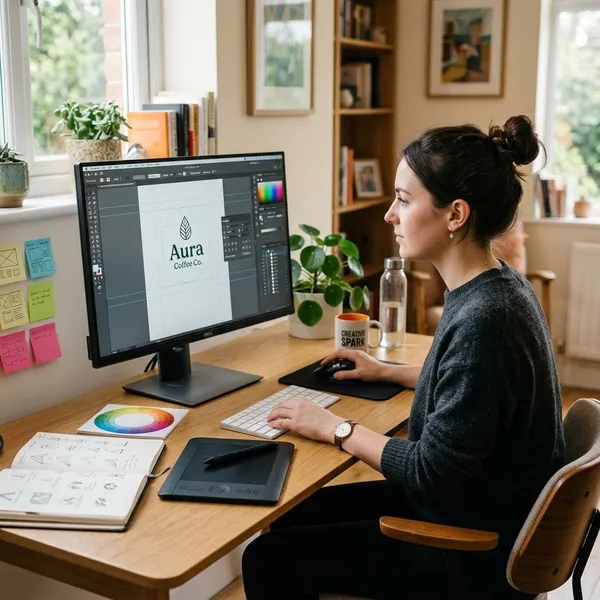
How to start learning graphic design
You do not need a degree or expensive software to start learning graphic design. The better first step is to learn how design choices affect clarity, then practice on small projects where the goal is easy to judge.
Learn basic design principles
Design principles help you understand why something works. Hierarchy shows what should be read first, alignment creates order, contrast makes important details stand out, and white space keeps the design from feeling cramped.
Practice with simple projects
Small projects are the fastest way to build judgment. Redesign a business card, create an event poster, make a product ad, or improve a messy menu. Keep the limits tight: one main message, two fonts at most, and a simple color palette.
This matters because beginners often try to fix weak structure with extra effects. Simple projects expose the basics: spacing, alignment, type size, and whether the message is obvious.
Explore common design tools
Tools are useful, but they do not replace design thinking. Canva is approachable for quick social graphics and flyers. Figma is useful for digital layouts and interface-related work. Photoshop, Illustrator, and InDesign are common in professional image editing, vector design, and print layout.
Choose based on what you want to make right now. If you only need simple posts for a small project, start with a simple tool. If you want to move toward professional logo, print, or web work, gradually learn the tools used in that area.
Build a beginner portfolio
A beginner portfolio can include personal projects, mock briefs, redesign exercises, or volunteer work. Paid client work is not required at the start.
What matters is presentation. Add a short note explaining the goal, the audience, and one or two choices you made. For example, mention that you increased contrast for readability or simplified the layout so the offer was easier to spot.
Conclusion
Graphic design is most useful when it makes a message clearer, not when it simply adds decoration. If you are learning, start with hierarchy, spacing, typography, and small practical projects before worrying about advanced software. If you need design for a business, judge the work by whether people can recognize the brand, understand the message, and take the next step without confusion.