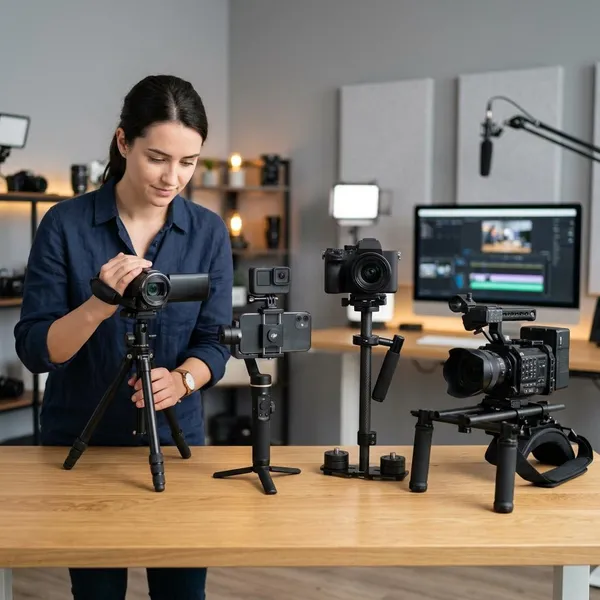
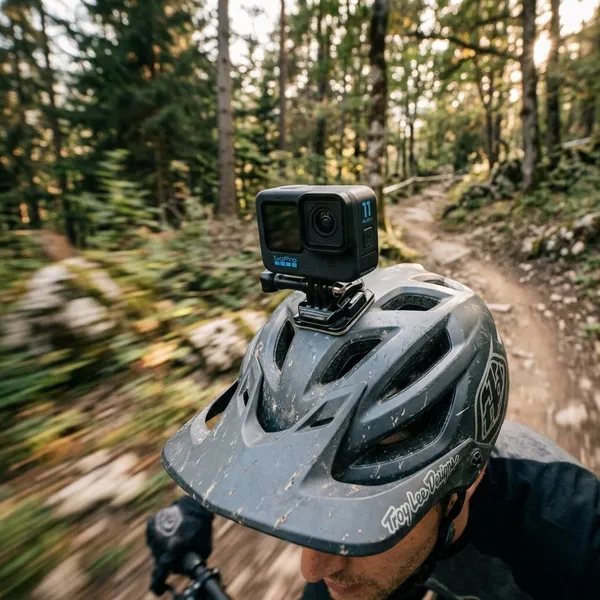
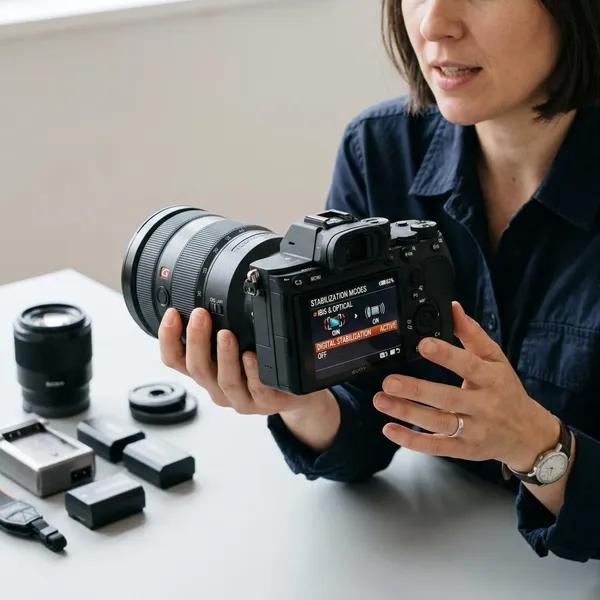
The best Canon R7 image stabilization settings depend on one decision first: are you protecting the full frame, or are you willing to trade crop for smoother footage? For still photos, start with IBIS and lens IS on. For video, leave Movie Digital IS off when the frame matters, use On for normal handheld clips, and save Enhanced for rougher movement where crop is acceptable.
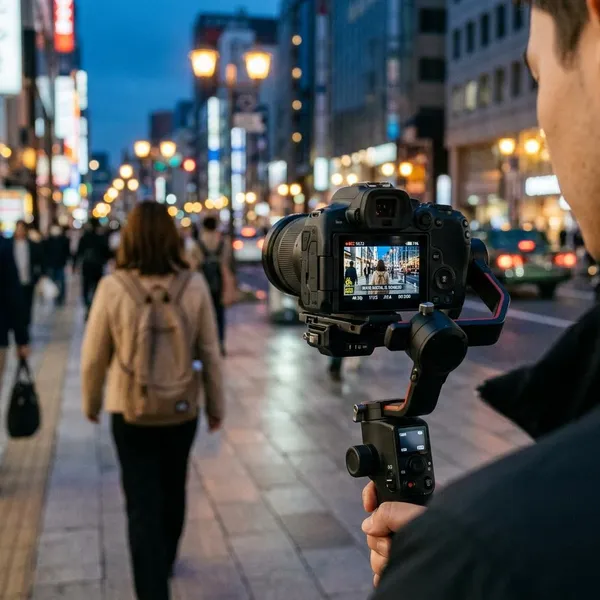
Best Canon R7 stabilization settings for video
For video, think of stabilization in layers. IBIS and lens IS correct physical movement, while Movie Digital IS adds electronic correction by cropping the image. That extra layer can help, but it is not automatically better.
Movie Digital IS Off for no digital crop
Movie Digital IS Off is the cleanest choice when you need the widest view and the most natural motion. Use it for wide-angle video, indoor clips, talking-head setups, room tours, or any shot where you are already struggling to fit everything in the frame.
Movie Digital IS On for extra correction with a slight crop
Movie Digital IS On is the most useful everyday compromise. It adds visible help for small hand movements and body sway, but the crop is usually easier to manage than Enhanced.
- Good for quick handheld clips where you are mostly standing still.
- Useful for travel video, family clips, casual b-roll, and simple product shots.
- Frame a little wider before recording so the crop does not surprise you.
Movie Digital IS Enhanced for stronger correction with a larger crop
Enhanced is a problem-solving setting, not a default setting. It can help when you are walking slowly, following action at close range, or filming handheld with a setup that is hard to keep steady.
The tradeoff is obvious: the frame becomes tighter, and motion can start to look less natural. For a quick walking clip at a park, Enhanced may be worth it. For a vlog in a small room, it can make the lens feel too narrow and boxed-in.
Movie Digital IS Off when shooting on a tripod
On a solid tripod, turn Movie Digital IS off. The camera is already supported, so digital correction can create tiny shifts or a drifting look instead of making the shot cleaner.
If a locked-off product shot, landscape, or interview looks like it is gently floating, this is one of the first settings to check. With a lightweight travel tripod outdoors, test both options, because wind or vibration may still make some stabilization useful.
Canon R7 stabilization settings by shooting style
The right setup changes with the way you shoot. Stabilization helps with camera shake, but it does not freeze subject movement, fix poor walking technique, or replace a tripod when you need a completely locked frame.
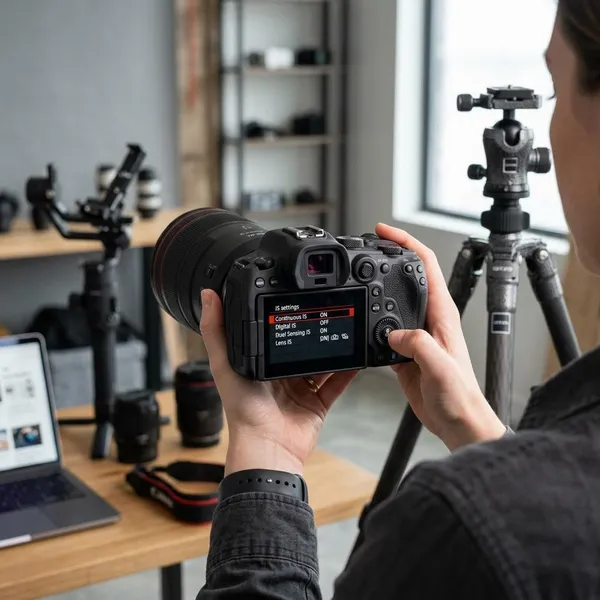
Handheld still photography
For handheld stills, keep IBIS on and use lens IS if your lens has it. This is the safest starting point for indoor photos, travel shots, casual portraits, and low-light scenes where your shutter speed may drop lower than ideal.
The important limit is subject movement. Stabilization can reduce blur from your hands, but it will not stop a child, pet, bird, or athlete from moving during the exposure. If the subject is moving, shutter speed still matters more than stabilization.
Static handheld video
For static handheld video, start with IBIS and lens IS on, then compare Movie Digital IS Off and On. If you are standing still and filming a person speaking, a short event clip, or a simple detail shot, standard On often gives a nice balance.
If the frame is already steady, leave digital stabilization off and keep the wider view. Better hand position helps too: elbows tucked in, camera close to your body, and slower breathing often make more difference than jumping straight to Enhanced.
Walking video
Walking video is where expectations need to stay realistic. Movie Digital IS On can make casual walking clips more usable, and Enhanced can help more, but neither turns the R7 into a gimbal.
- Slow walk with a wide lens: try Movie Digital IS On first.
- Rougher handheld movement: test Enhanced, but watch the crop.
- Important smooth tracking shot: use a gimbal or other support if possible.
Telephoto shooting
Telephoto work benefits a lot from stabilization because small movements become magnified. For handheld stills or video with longer lenses, keep IBIS and lens IS active unless your support setup gives a reason to test otherwise.
For video, be careful with Movie Digital IS at longer focal lengths. The extra crop can make a distant bird, player, or moving subject harder to keep in frame. In that situation, a monopod, wall, railing, or wider stance may help more than stronger digital correction.
Tripod shooting
For a fully locked tripod shot, turn Movie Digital IS off first. Then test lens IS and IBIS if you notice drift, pulsing, or tiny frame movement.
Do not treat every support the same. A heavy tripod indoors is different from a light tripod on a windy day, and a monopod still allows small movement. For long clips, record a short test and review the edges of the frame before committing.
How to use Canon R7 IBIS with manual lenses
The Canon R7 can stabilize many manual or adapted lenses, but it needs the right information. With a fully manual lens, the camera often cannot read the focal length, so IBIS may not correct movement properly until you enter it yourself.
The setup is worth doing carefully, especially with vintage primes or non-stabilized lenses. A wrong focal length does not always make stabilization disappear, but it can make it weaker or less natural.
Enable Release shutter w/o lens
Enable Release shutter w/o lens when using a manual lens or simple adapter that does not communicate electronically with the camera. Without it, the R7 may act as if no usable lens is attached.
This setting does not create stabilization by itself, but it removes the first roadblock. If the camera refuses to shoot with a mounted vintage lens, check this before assuming the adapter or body is faulty.
Turn IS mode on
After the camera can shoot with the manual lens, make sure IS mode is on. A manual lens usually has no electronic switch to tell the body what to do, so the camera menu becomes more important.
Enter the correct focal length
Enter the real focal length printed on the lens, not the full-frame equivalent. A 50mm manual lens should be entered as 50mm on the Canon R7, even though the APS-C field of view is tighter.
This matters more as lenses get longer. A small mismatch may be hard to see with a wide lens, but the wrong value on an 85mm, 135mm, or longer lens can make stabilization feel noticeably less reliable.
Update the focal length when changing lenses
Update the focal length every time you swap manual lenses. The camera will not know that you changed from a 35mm lens to an 85mm lens if the adapter is not sending data.
- Mount the lens and confirm the camera can fire.
- Check that IS mode is enabled.
- Enter the lens's real focal length.
- Take a few handheld test shots or a short clip.
- Repeat the check after every manual-lens change.
Why Canon R7 stabilization settings may not work
When stabilization seems wrong on the R7, the cause is usually one of four things: the camera is in the wrong mode, the lens is not communicating, the manual focal length is incorrect, or Movie Digital IS is changing the frame more than expected.
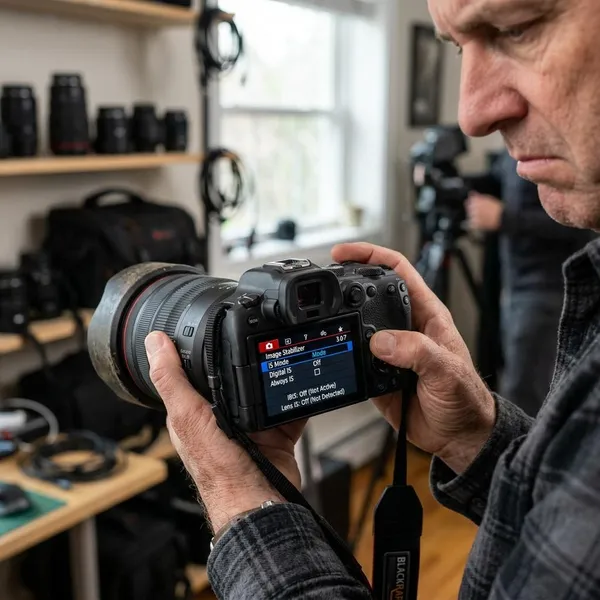
IS mode is missing from the menu
If IS mode is missing, switch between stills and video mode and check again. Canon menus can change depending on the active shooting mode, mounted lens, and whether the lens communicates with the body.
With a native RF lens, you may see different options than you do with a manual lens on a simple adapter. The setting may not be gone; it may only be hidden in the current context.
Manual lens stabilization is not working
Check the basics in this order: Release shutter w/o lens enabled, IS mode on, and correct focal length entered. Missing one of those is the most common reason manual-lens IBIS feels ineffective.
Test in conditions where stabilization is actually visible. A wide lens in bright daylight at a fast shutter speed may not show much difference. A slower handheld shutter speed or a longer lens makes the effect easier to judge.
Movie Digital IS is not working
Make sure you are in video mode and that Movie Digital IS is enabled. Then compare clips with real handheld movement; a nearly static wide-angle shot may not show a dramatic difference.
Remember that Movie Digital IS is separate from IBIS and lens IS. Turn one setting on or off at a time when testing, otherwise it becomes hard to know which layer changed the result.
Video is unexpectedly cropped
Unexpected crop is usually caused by Movie Digital IS. Standard On crops a little, while Enhanced crops more for stronger correction.
If your wide lens suddenly feels too tight for vlogging, interiors, or close handheld work, reduce Movie Digital IS or turn it off. For important clips, check the framing after enabling stabilization rather than assuming it matches your still-photo view.
Stabilization looks too aggressive
If motion looks floaty, resistant, or strange during pans, reduce Movie Digital IS from Enhanced to On, or from On to Off. Strong correction can look technically steady but visually unnatural.
- Edges wobble or stretch: use a lighter digital setting.
- Pans feel sticky: reduce correction and pan more slowly.
- Telephoto clip still shakes: add physical support before relying on Enhanced.
Conclusion
Start with IBIS and lens IS for handheld photos, then be selective with Movie Digital IS for video. Off gives the widest and most natural frame, On is the best everyday handheld setting, and Enhanced is only worth using when smoother footage matters more than crop. If something looks wrong, check the mode, lens communication, focal length entry, and digital crop before changing every setting at once.