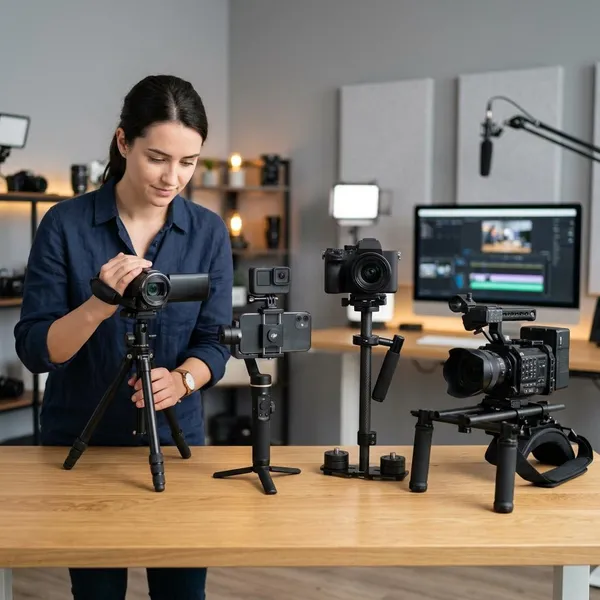
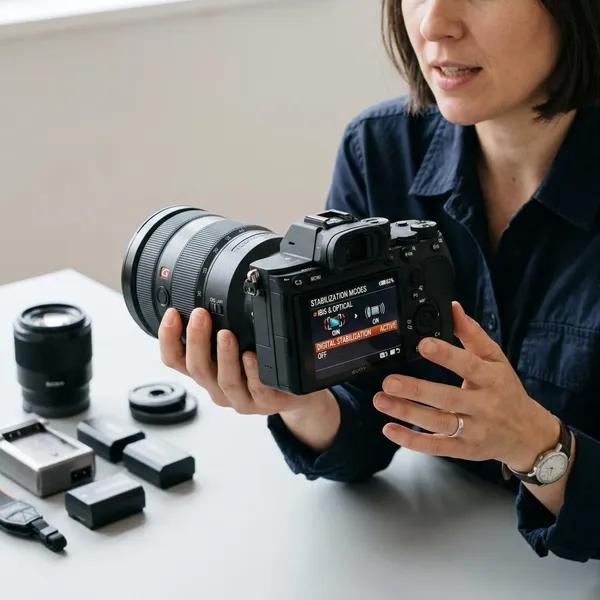
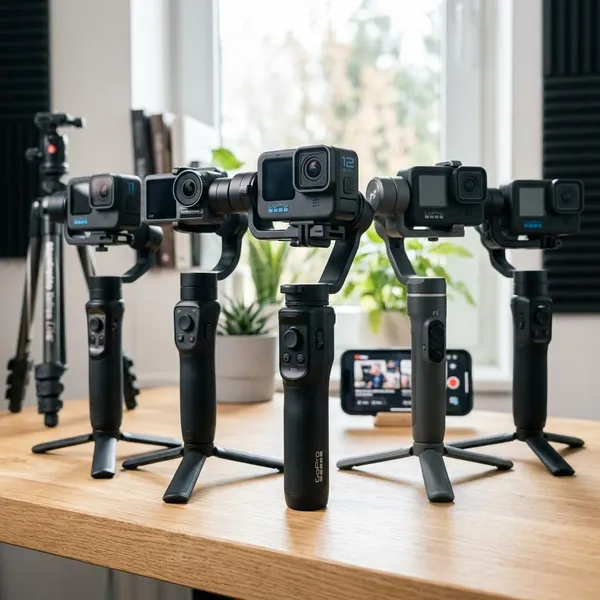
Action camera stabilization works by measuring camera movement, keeping extra space around the image, and shifting each frame so small shakes are less visible. It is usually very effective for walking, biking, skiing, and handheld travel clips, but it is not magic: low light, blur, rough vibration, and tight framing can still cause problems.
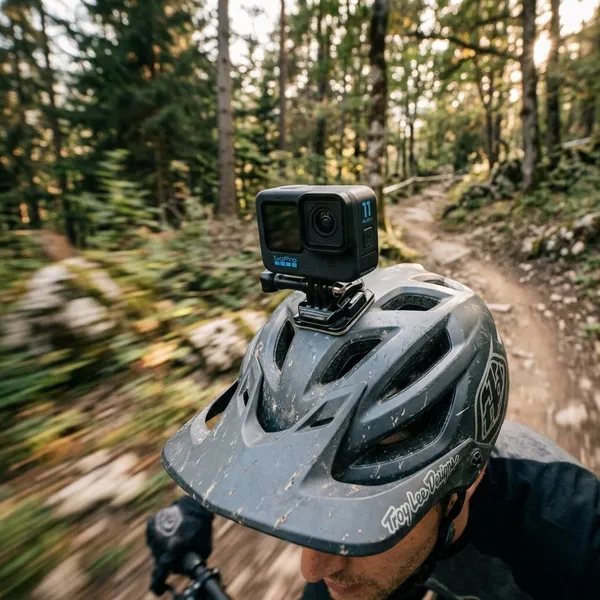
How does action camera image stabilization work?
Most action cameras use electronic image stabilization, usually called EIS. Instead of physically moving the lens, the camera reads motion from sensors, records a slightly wider image than it needs, and uses software to reposition the visible frame. The smoother clip you see is created by that real-time correction and crop.
Gyroscopes detect camera movement
A gyroscope gives the camera a fast record of rotation: tilt, pitch, roll, and small twists. That data helps the processor understand whether the camera moved because you turned it on purpose or because a step, bump, or vibration shook the body.
On a chest mount during a run, the movement pattern is repetitive. In a handheld travel clip, it is more random. The gyroscope helps the camera react to both, but it still has to make a judgment about how much correction will look natural.
The camera captures extra image area
EIS needs unused space around the frame. If the camera shakes upward, the software can slide the visible frame downward inside that larger captured area. Without that margin, correction would reveal blank edges or force the camera to leave the shake alone.
Software realigns each frame
The processor combines sensor data with image information and decides how each frame should be shifted. On modern action cameras, this often happens while recording, so you can play back a smoother clip straight from the camera without editing software.
Cropping creates a steadier final video
The crop is the trade that makes electronic stabilization possible. Stronger stabilization modes, horizon lock, or aggressive correction usually need more margin, so the final view becomes tighter. If the shot matters, test two settings: the widest mode with lighter stabilization and the stronger mode with more crop. The better choice is not always the strongest setting.
Why do action cameras mostly use EIS?
Action cameras mostly use EIS because it matches how these cameras are built and used. They are small, sealed, wide-angle, and often mounted in places where vibration, water, dust, or impact are realistic risks. A software-based system fits that job better than a delicate moving optical mechanism in most designs.
Compact bodies leave little room for moving optics
There is not much space inside a tiny action camera for lens groups or sensor assemblies that physically move. Adding them could make the body larger, harder to seal, more expensive, or more fragile. For a camera that may sit on a helmet, drone, bike, or surf mount, keeping the body simple has real value.
Wide-angle lenses allow digital correction
The wide lens is a big reason EIS works as well as it does. Because the camera starts with a broad view, it can crop in and still leave a usable action-style perspective.
Wide lenses also make small shakes look less dramatic than they would on a narrow or zoomed-in lens. That gives the software a more forgiving starting point, especially for walking clips, cycling footage, and casual handheld shots.
Fast processors can stabilize footage in real time
Stabilization is not just a filter added at the end. The camera has to read motion, compare frames, apply correction, encode video, and often handle high resolution or high frame rates at the same time.
- For casual users: real-time EIS means less editing after a trip or day out.
- For sports footage: fast processing helps smooth quick changes without long delays.
- For advanced modes: features such as horizon leveling need even more correction room and processing power.
Fewer moving parts suit rugged camera designs
A camera used on handlebars, skis, chest straps, or wet gear benefits from fewer delicate internal parts. Mechanical stabilization can be excellent in other cameras, but EIS supports the action camera promise better: small, sealed, mountable, and ready for rough use.
What does stabilization change in your footage?
Stabilization mainly changes how watchable the footage feels. It reduces distracting shake, makes handheld clips calmer, and can turn rough point-of-view video into something easier to follow. The trade-offs are narrower framing, extra processing, and occasional artifacts when conditions are difficult.
| Change you notice | When it helps most | What to watch for |
|---|---|---|
| Smoother motion | Walking, travel, handheld clips | Over-smoothing can feel floaty |
| Less vibration | Bike, helmet, scooter, light vehicle mounts | Loose mounts and harsh vibration can still show jitter |
| Tighter framing | Most stabilized modes | Small spaces and group shots may feel too cropped |
| More processing | Advanced stabilization and horizon modes | Battery, heat, or mode limits may vary by camera |
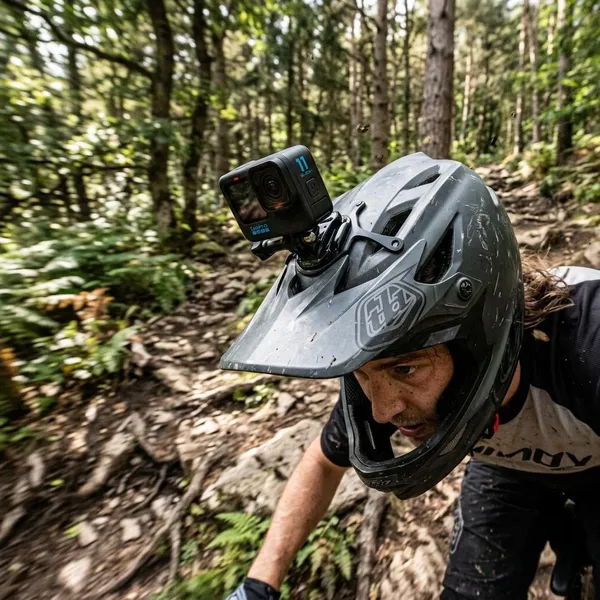
When does action camera stabilization struggle?
EIS works best when the camera has bright, sharp, predictable footage to analyze. It struggles when the image is dark, blurred, skewed, or shaken beyond the crop margin. If your clip looks bad even with stabilization on, the issue is often the original image quality or mount movement, not only the stabilization setting.
Very low light
Low light is one of the quickest ways to weaken stabilization. The camera may use a slower shutter speed to brighten the image, which creates blur inside each frame. Once the blur is recorded, the software has less clean detail to track.
For night walking, indoor sports, or dim forest trails, adding light or slowing your movement often helps more than choosing the strongest stabilization mode. A stronger mode may crop more without actually fixing the smeared motion.
Heavy motion blur
Motion blur is different from shake. EIS can move a blurred frame into a steadier position, but it cannot rebuild sharp detail that was never captured. If each frame is smeared from fast movement or a slow shutter, the final clip may look smoother but still soft and messy.
Extreme vibration and sudden impacts
Hard impacts and high-frequency vibration can overwhelm the system. The crop margin is limited, and the processor can only correct movement that still leaves enough usable image area.
- Check the mount first: tighten loose joints and avoid flexible extensions when possible.
- Move the camera if needed: a chest mount may be calmer than handlebars on rough ground.
- Use damping carefully: some setups benefit from vibration isolation, but a wobbly mount can make things worse.
Rolling shutter distortion
Many small sensors read the image line by line. During fast pans or rapid vibration, that can make vertical objects lean or the whole frame wobble. Stabilization then has to correct an image that is already distorted, so the result may show a jello-like effect rather than clean smoothness.
You are more likely to notice this on rough vehicle mounts, fast bike rides, and quick side-to-side turns. Smoother movement and a sturdier mounting point are usually more useful than simply pushing stabilization harder.
Difficult underwater movement
Underwater footage can be tricky because the camera drifts, bobs, and rotates in ways that are less predictable than walking on land. Particles, lower contrast, changing light, and moving water can also reduce the detail the software uses for correction.
In a calm pool or clear shallow snorkeling scene, stabilization can still help. In choppy open water or murky conditions, it may only reduce part of the movement. For important underwater clips, hold the camera with two hands, move slowly, and leave extra space around the subject so the crop has room to work.
Conclusion
The best way to use action camera stabilization is to treat it as a strong helper, not a rescue tool. Leave it on for most handheld and outdoor action clips, but check your framing, lighting, and mount before the moment matters. Clean light, a solid mount, and the right stabilization level usually do more for smooth footage than relying on the most aggressive mode every time.