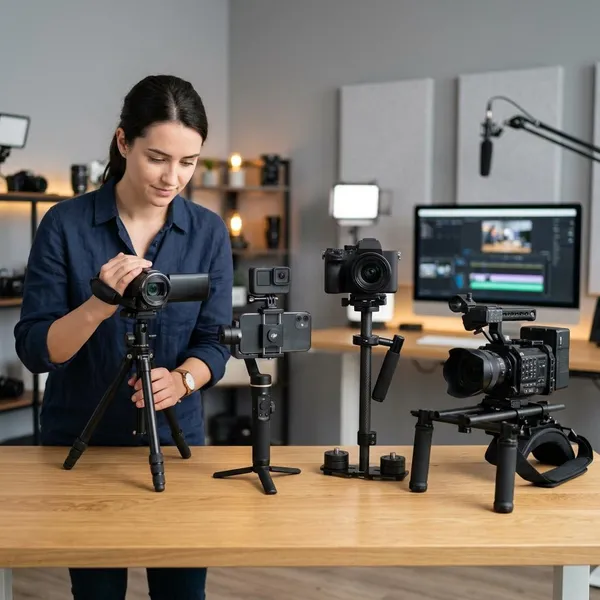
If you want one stabilizer for a phone, a GoPro, and the occasional compact camera, the GoPro Fluid Pro AI multi-device gimbal stabilizer is most interesting for its flexibility rather than pure motor power. The first thing to check is simple: your real mounted setup must fit the weight, size, and balance limits, because the AI tracking and extra features only matter if the device sits securely.
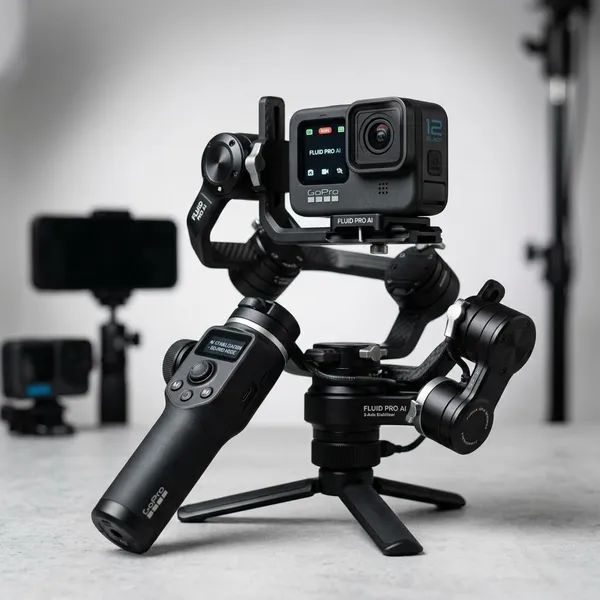
Key GoPro Fluid Pro AI features
The GoPro Fluid Pro AI is built for creators who want fewer separate tools in the bag. Stabilization is the base feature, but the stronger appeal is the mix of tracking, mounts, fill light support, and battery help for quick solo shoots.
Detachable AI tracker
The detachable AI tracker is useful if you film yourself and move around the frame. A cooking creator stepping between a counter and stove, or a fitness creator demonstrating exercises, gets more value from it than someone who only records fixed talking-head clips.
Gesture controls
Gesture controls are not the reason to buy the gimbal on their own, but they make the AI tracking easier to live with. When the gimbal is on a table or tripod-style setup, starting or stopping tracking with a hand signal feels much smoother than walking back to tap the handle.
- Best case: clear lighting, visible hands, and one obvious subject.
- Less reliable case: dim rooms, busy backgrounds, or your hand partly out of frame.
Interchangeable mounts
Interchangeable mounts are the feature that makes the multi-device idea believable. A phone clamp, GoPro mount, and compact camera setup do not solve the same balance problem, so using the right mount is more than a convenience.
Adjustable fill light
The fill light helps most in everyday imperfect lighting: hotel rooms, evening walks, restaurant clips, product shots on a desk, or quick face-to-camera updates indoors. It will not replace a real lighting kit, but it can stop casual footage from looking too dark or flat.
Use the lowest brightness that still cleans up the scene. If the light is too strong, faces can look washed out, especially at close range.
Battery and power bank support
Battery support matters more for travel days and event-style filming than for a single short clip at home. If your phone or GoPro is also being used for navigation, messaging, or monitoring, power-out support can reduce the chance that the camera dies before the day is over.
Treat charging as backup, not magic. Extra cables, device heat, and the remaining gimbal battery can all affect how useful it feels during a long shoot.
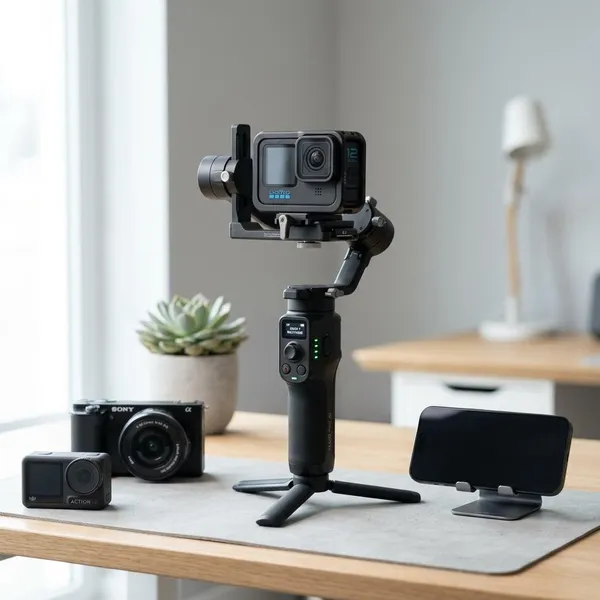
GoPro Fluid Pro AI compatibility
Compatibility is the part to check before getting excited about the feature list. The safest setups are usually standard smartphones and GoPro cameras; compact cameras need more careful checking because shape and balance can matter as much as weight.
Smartphones
Smartphones are likely to be the easiest setup, especially if you use a normal-sized phone without a heavy case. They mount quickly, are easy to monitor, and suit social clips, family video, casual vlogs, and walking footage.
Be careful with add-ons. A thick case, clip-on lens, MagSafe-style accessory, wireless mic receiver, or small light can turn an easy phone setup into one that feels side-heavy.
GoPro cameras
GoPro cameras make sense on this gimbal when you want more controlled movement than in-camera stabilization alone provides. Think smoother pans, steadier framing during walking clips, and easier self-recording with tracking.
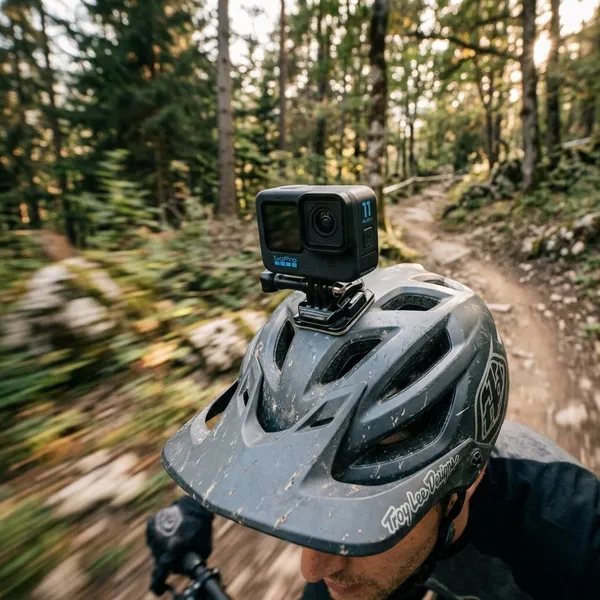
If you mostly shoot rough action footage with the camera mounted to a bike, helmet, or chest strap, the gimbal may be less essential. It fits better for handheld travel shots, city walks, behind-the-scenes clips, and planned movement.
Compact cameras
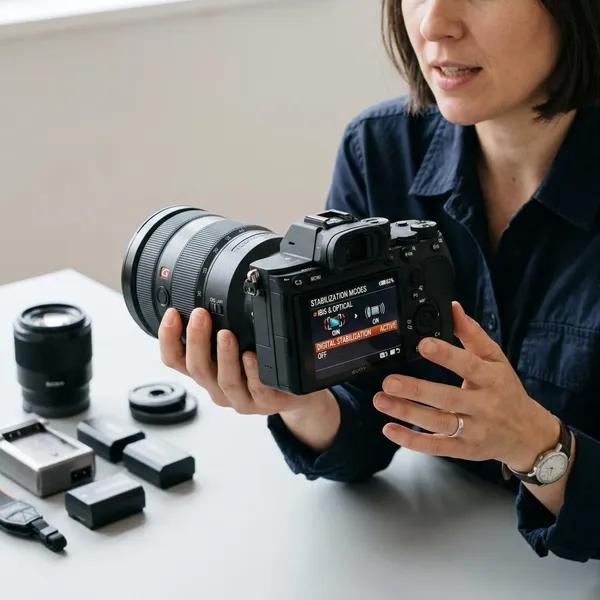
Some compact cameras can work, but this is the category where you should be most cautious. A small camera with a centered lens is much easier than one with a protruding grip, extending lens, flip screen, or awkward weight distribution.
400 g payload limit
The 400 g payload limit should include the full mounted setup, not only the camera body. Count the phone case, GoPro frame, adapter, compact camera battery, small microphone, or any other attached piece.
Staying comfortably under the limit is usually smarter than pushing it. A setup near the maximum may still power on, but it can be more sensitive to balance, faster to drain the battery, and less forgiving during quick movement.
Balance and size considerations
Balance is the real-world test after the spec sheet. With the gimbal powered off, the device should sit reasonably level instead of immediately dropping hard to one side.
For a phone-only creator, this may take seconds. For someone switching from a GoPro to a compact camera during a trip, it may take a little patience each time. That trade-off is acceptable if you truly use multiple devices, but annoying if you wanted a grab-and-go stabilizer with no adjustment.
How to set up the GoPro Fluid Pro AI
Setup should happen in the right order: mount first, balance second, power on third, then add tracking and lighting. Skipping balance is the easiest way to blame the gimbal for footage problems that actually came from the setup.
Choose the correct mount
Start with the mount designed for your device type. A phone, GoPro, and compact camera place weight in different spots, so the correct mount gives the motors a better starting point.
Before adding the device, check for any looseness in the connection. Small movement at the mount can become visible shake once you start walking.
Attach and balance your device
Attach the device while the gimbal is off, then slide or adjust it until the weight feels centered. It does not need to sit perfectly still in every direction, but it should not flop heavily to one side.
- Phone: remove a bulky case if the clamp feels strained.
- GoPro: make sure the frame or adapter is fully seated.
- Compact camera: check balance again after the lens extends.
Power on the gimbal
Power on only after the device is mounted and roughly balanced. Let the gimbal settle for a moment, then look for warning signs: buzzing motors, visible vibration, a crooked resting angle, or slow drifting.
If any of those show up, stop and rebalance instead of recording through the problem. A one-minute correction is better than discovering later that every clip leans or shakes.
Set up tracking and lighting
Enable tracking after stabilization is already working. Stand where you plan to film, test whether the tracker holds your face or body cleanly, and try the gesture control once before the real take.
Adjust the fill light last. For a desk demo, a little light may be enough; for a dim hotel room, you may need more brightness but should still avoid blasting the subject at close range.
Test movement before filming
Record a short sample clip before the footage that matters. Walk a few steps, pan left and right, tilt gently, and review the clip if possible.
This matters most when switching devices. A phone setup that worked well in the morning does not prove that a compact camera setup will behave the same way in the evening.
Who should buy the GoPro Fluid Pro AI?
The GoPro Fluid Pro AI makes the most sense for creators who actually use its flexibility. If you only want basic phone stabilization, a simpler phone gimbal may be cheaper and faster. If you often switch between a phone, GoPro, and lightweight compact camera, this one becomes much easier to justify.
Vloggers
Vloggers can get strong value from the mix of stabilization, tracking, and fill light support. It suits walking clips, room tours, casual updates, and quick setup shots where you do not want to rebuild your rig every time.
The best fit is a solo vlogger who records in changing locations. If your content is mostly seated at a desk with a fixed camera, many of the gimbal's strengths will go unused.
Travel creators
Travel creators are a natural match because bag space and setup speed matter. One stabilizer that can handle a phone for quick clips, a GoPro for wide walking shots, and a suitable compact camera for better-looking scenes can simplify a day of filming.
Solo content creators
Solo creators may benefit the most from the AI tools. Tracking and gesture controls reduce the back-and-forth of starting, framing, checking, and reshooting when nobody is helping behind the camera.
For tutorials, recipes, workouts, and product demos, that convenience can matter more than tiny differences in stabilization quality. The goal is not cinematic perfection; it is getting usable footage with less friction.
Multi-device shooters
Multi-device shooters are the clearest target buyer. If you choose your camera based on the scene, the interchangeable mount system can save space and reduce the need for separate stabilizers.
If you only use one device 90% of the time, be honest about that before buying. The multi-device design is valuable when you use it regularly, not when it sits in the bag as a "maybe someday" feature.
Conclusion
The GoPro Fluid Pro AI is worth considering if your setup is lightweight, your devices fit comfortably within the 400 g limit, and you regularly film yourself or switch cameras. Its strongest value is convenience: smoother handheld footage, easier solo framing, quick lighting help, and one gimbal for several small devices. If your gear is heavy, your compact camera is awkward to balance, or you only need simple phone footage, a more basic stabilizer may be the better buy.