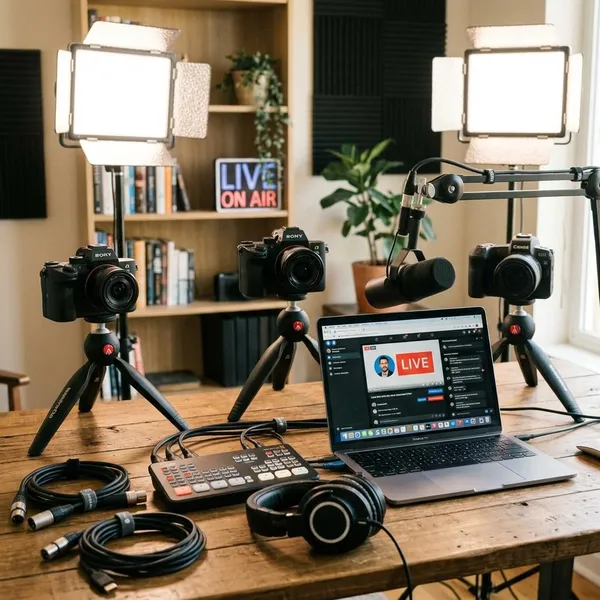
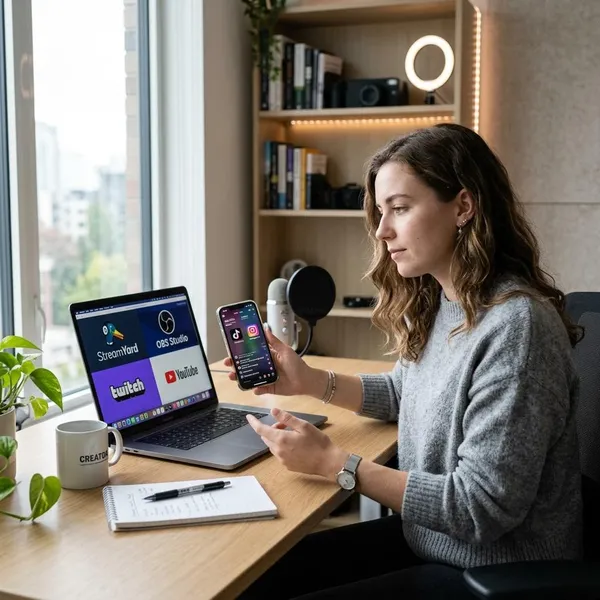
If you are replacing cable in 2026, the best livestreaming platforms are the ones that match your must-have channels first, not the ones with the biggest channel count. YouTube TV is the safest all-around pick for many households, Hulu + Live TV makes sense if you already value Disney+, Hulu, and ESPN+, Sling and Philo keep costs lower, Fubo is strongest for sports-heavy homes, and Pluto TV or Tubi are useful when free live TV is enough.
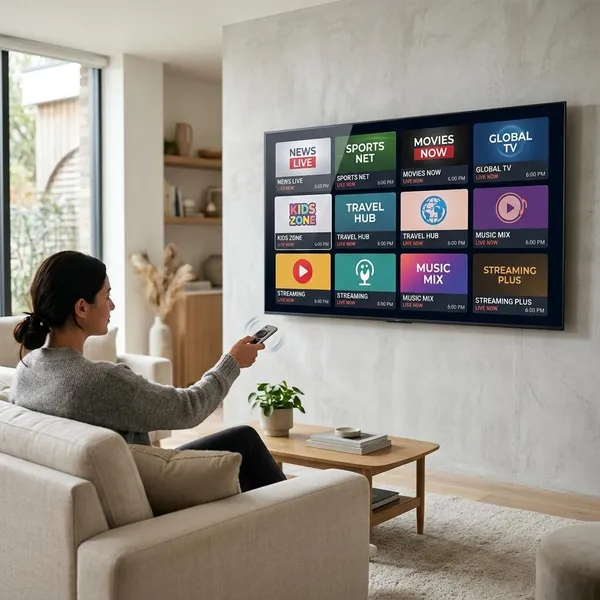
Best live TV streaming services at a glance
The quickest way to choose is to start with three checks: your must-have channels, your real monthly budget after add-ons, and whether local stations or sports are non-negotiable. A cheap plan is not a bargain if it misses the one channel you watch every week.
| Service | Best fit | Watch out for |
|---|---|---|
| YouTube TV | Most households replacing cable | Higher monthly price than budget plans |
| Hulu + Live TV | Homes that want live TV plus Disney+, Hulu, and ESPN+ | Value depends on whether you use the bundle |
| Sling TV | Lower-cost, more flexible paid live TV | Local channels and sports coverage can be limited |
| Fubo | Sports-first viewers | Can feel expensive if sports are not your main reason to subscribe |
| DIRECTV | Broader channel variety and a cable-like lineup | Often costs more than simpler streaming plans |
| Philo | Entertainment channels on a smaller budget | No full local broadcast or sports replacement |
Best free live TV streaming platforms
Free live TV services are best for casual viewing, backup TV, dorm rooms, guest rooms, or anyone trying to reduce monthly subscriptions. They usually do not replace paid live TV because local channels, premium sports, and current cable networks are limited or missing.
The upside is simple: you can install them, start watching, and keep them even if you also pay for another service. The cost is ads and a more limited selection.
Pluto TV
Pluto TV is the better free choice if you like old-school channel surfing. It has many always-on themed channels, so it works well when you want to turn something on without choosing a specific show.
Use it for background TV, classic shows, true crime, comedy, or casual news-style streams. Do not expect it to carry the same live sports or local broadcasts you would get from a paid cable replacement.
Tubi
Tubi is stronger if you want free live channels plus a large on-demand library. It is a good app to keep on a smart TV when you want a movie night without paying for another subscription.
For families on a tight budget, Tubi can be more useful than it first looks because it mixes live-style viewing with movies and shows people can choose directly.
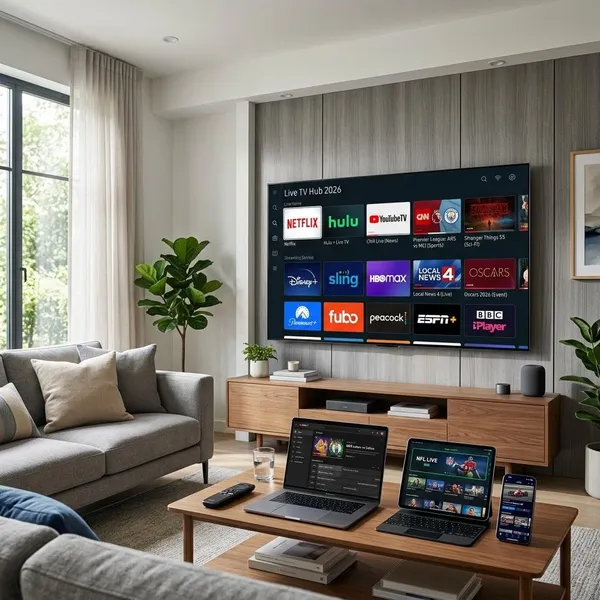
Best streaming service for your needs
Pick the service that solves your main problem, then check the tradeoffs. A sports-first household, a family with kids, and someone trying to keep TV under a small monthly budget should not end up with the same plan.
- Write down your weekly channels. If nobody watches a channel weekly, do not let it drive the decision.
- Check local stations by ZIP code. ABC, CBS, FOX, NBC, and regional sports availability can vary.
- Add the real monthly cost. Include add-ons, premium packs, and any separate streaming apps you still need.
- Match the plan to the household. One viewer can accept more limits than a family using several TVs at once.
Best for replacing cable
YouTube TV is usually the cleanest cable replacement because it balances local channels, sports, entertainment, DVR, and ease of use. It is a good first trial for households that want to cut the cord without rebuilding their whole TV routine.
DIRECTV is the better backup choice if "almost enough channels" is not enough. If your family has specific must-have networks or regional sports needs, it may be worth checking even at a higher price.
Best for sports
Choose Fubo when sports are the main event in your home. Choose YouTube TV when sports matter, but the rest of the household still needs a balanced everyday TV service.
Best for families
Hulu + Live TV is often the most family-friendly option because the bundle can cover live channels, kids' content, sports, and on-demand shows without making everyone jump between several paid apps.
It is strongest for a household that will actually use Disney+, Hulu, and ESPN+. If your family mainly watches live channels and rarely opens the bundled apps, YouTube TV may feel simpler.
Best for a lower budget
Sling TV is the better low-budget paid choice if you still want some live news, sports, or cable-style channels. Philo is the better bargain if entertainment channels are enough and you do not care about local broadcasts or live sports.
- Pick Sling: you want flexibility and can accept a thinner lineup.
- Pick Philo: you mostly watch entertainment and want the lowest paid option.
- Skip both: you need a full cable replacement with strong local and sports coverage.
Best for free live TV
Start with Pluto TV if you want free channel surfing. Start with Tubi if you want a stronger mix of free live channels and on-demand movies or shows.
There is no real downside to keeping both installed. They are most useful as casual viewing apps, not as replacements for paid services with local stations and major live sports.
Conclusion
The best choice is the service that covers your non-negotiables without making you pay for too much extra. Start with channels and local availability, then decide whether sports, family bundles, budget limits, or free casual viewing matter most; that order prevents the most common mistake, which is buying the biggest package before knowing what you actually watch.